The value of a financial quantity or value at the beginning of an accounting period.
For example, an opening balance sheet is prepared when a new company is founded. It shows the assets, liabilities and the equity of a company at a certain point in time. The opening balance sheet is of great importance as it shows the company's initial financial situation and serves as a point of comparison for later analyses. Balance sheets serves. It helps to monitor and evaluate the financial development of a company.

The following steps are required to create an opening balance sheet in SAP Business One:
- Select "Finance > Balance sheets > Opening balance sheet" in the main menu.
- Select the start date for the opening balance sheet. As a rule, this is the date on which the company was founded.
- Give the assets, Liabilities and the company's equity. Liabilities and equity components are recognised in the equity and liabilities section of the balance sheet recognised in the income statement, while the assets are reported in the assets section.
- Save the introductory balance sheet. You can call it up again at any time by selecting "Finance > Balance sheets" in the main menu.
- It is crucial that the opening balance sheet is prepared carefully and accurately, as it serves as a benchmark for future balance sheets and can help to strengthen the confidence of investors and creditors in the company.
Experience liquidity planning in SAP Business One live: The webinars on the new Versino Financial Suite
Predictability in unpredictable times: Every management team wants reliable liquidity planning. There is agreement on this. That’s the ideal world. The difficult part...

Financial chat for SAP Business One: How he answers questions about numbers and when he prefers not to answer
Anyone who does not book in SAP Business One on a daily basis often faces closed doors when it comes to questions regarding the financial system...

Versino Financial Suite Major Release: End of the SAP window cage
Anyone who has two monitors on their desk also uses them. That goes without saying. In the SAP Business...
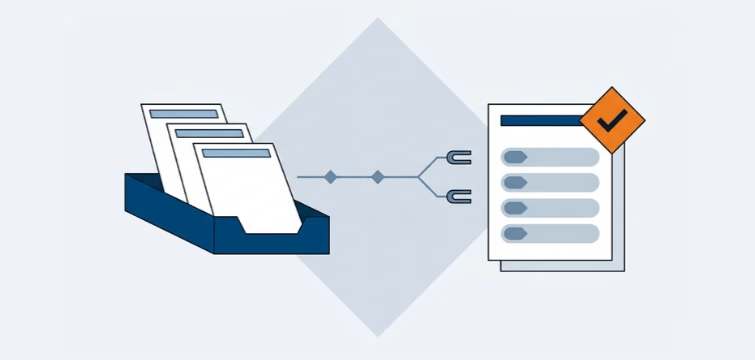
Account statement processing: What the Versino Financial Suite will offer in the future — a preview of accounting
An account statement is quickly read. That is the manageable part of the work. The work lies behind that. The statement must be sent to the...
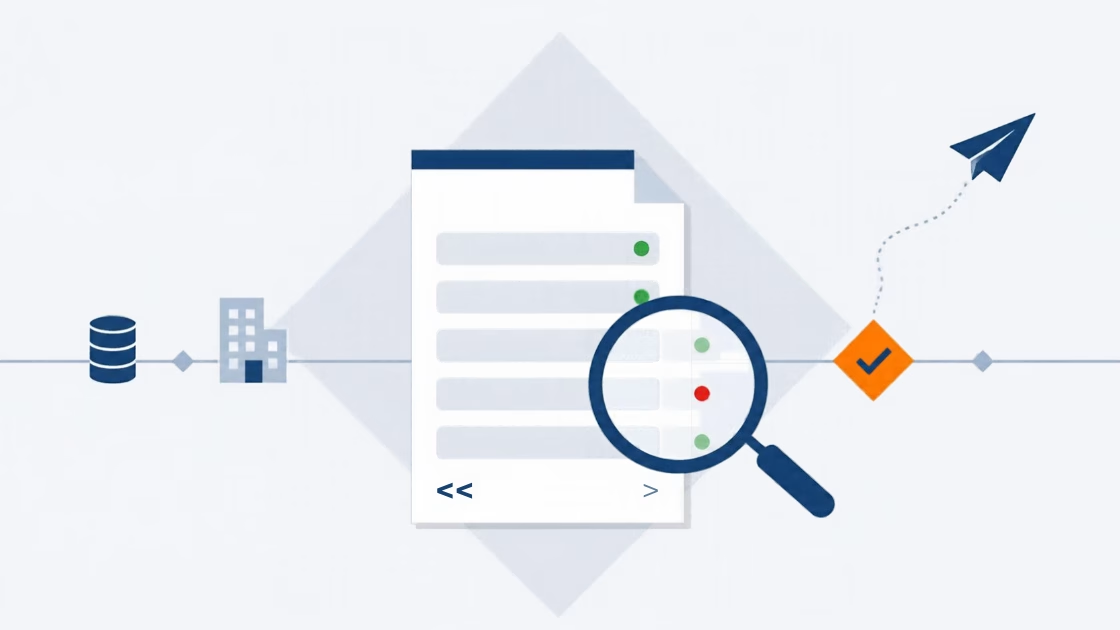
E-Invoice check by Versino Financial Suite
An e-invoice is quickly generated. SAP Business One includes the XRechnung feature as standard, and those who use cks.eINVOICE or the ...

Versino accounting service
Bookkeeping should run quietly. Vouchers come in, are posted, the VAT return goes out, and the tax advisor also gets a ...
