the Delivery in SAP Business One is the legally binding document that records the physical dispatch of goods to the customer. The associated Delivery workflow encompasses the steps from the release of a customer order through picking, packing and dispatch processing to the actual delivery booking — with the result that inventory is reduced and the goods issue posting is created.
Context
The delivery is typically made from the customer order via Copy to → Delivery generated, alternatively via the app Create delivery with Copy from (Offers, customer orders, reservation invoices, returns). Mandatory fields are customer and delivery date. When adding, stock levels are reduced and – with continuous inventory management – the booking Material expenses on inventory triggered; the voucher can no longer be modified from this moment. Upstream, the workflow can be Pick-and-Pack Management or managed by a bin-location-based warehouse management system: pick lists bundle open order items, packed quantities are Pick zones distributed and flow back into delivery. Approval processes and design management are integrated into the SAP Business One web client. Special variants are the Line haul (direct from the supplier to the customer, without own stock), which Partial delivery (the order remains open until the remaining quantity is delivered) and the Tradition, which can be permitted with suitable sponsorship settings.
Demarcation
The delivery is not identical to A/R InvoiceIt documents the physical delivery, the invoice that billing — revenue and the claim against the debtor only arise upon invoicing. It differs from Goods issue without customer order reference, which processes through stock transfers or inventory documents. Pick-and-pack tools supplement the workflow but do not replace the delivery posting itself; without a delivery document, no item leaves the warehouse correctly in the system.

AI in everyday work: Here's how to find the right start

AI assistant meets SAP Business One: Two paths out of the Versino AI shop

Sprint and Swirl: How an AI agent divides work and learns from trials
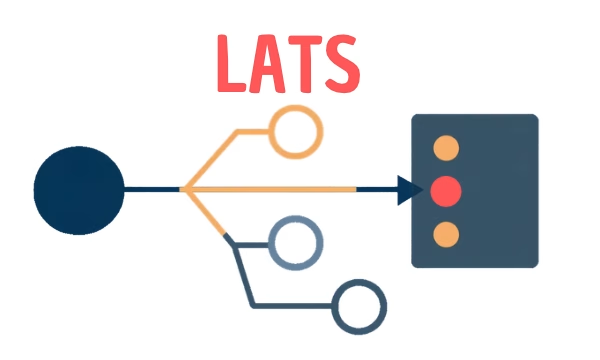
LATS: Considering several paths simultaneously with AI — and the availability check in SAP B1

ReAct and RLEF: How Artificial Intelligence Learns from Real Mistakes — and What Automated Bank Reconciliation in SAP Business One Has to Do with It