Easy Functions is a library of formula functions that Coresuite Designer provides for use in Crystal Reports layouts. It encapsulates common tasks in SAP Business One – date and currency conversion, tax formulas, address formatting, document reference lookups, conditional text – behind simple, well-documented formula calls so that layout designers can map typical requirements without their own SQL statements or complex Crystal logic.
Context
After installing the Coresuite Designer, Easy Functions are visible in the Crystal Formula Workshop under Custom Functions. Typical examples include functions that determine the parent document for a given document (Delivery → Sales Order), convert payment terms into plain text, perform unit conversions for quantities, or tax code to be provided with appropriate footer texts. The functions follow the Coresuite Framework context (customer, user, localisation) and respect the user's Coresuite license level. The aim is that a consultant can create a professionally-looking document form with little Crystal knowledge – the difficult logic lies in the Easy Functions instead of in inline formulas.
Demarcation
Easy Functions are not replacement logic for business rules in the SAP B1 core — they only access data in a read-only manner and format outputs. They are also not to be confused with Easy Row Functions, which are specifically intended for invoice lines and repeatable detail sections in Crystal layouts. Without the Coresuite Designer installed, Easy Functions are not available; in pure PLD layouts or in Crystal Reports installations without Coresuite context, comparable formulas must be manually rebuilt.

AI in everyday work: Here's how to find the right start

AI assistant meets SAP Business One: Two paths out of the Versino AI shop

Sprint and Swirl: How an AI agent divides work and learns from trials
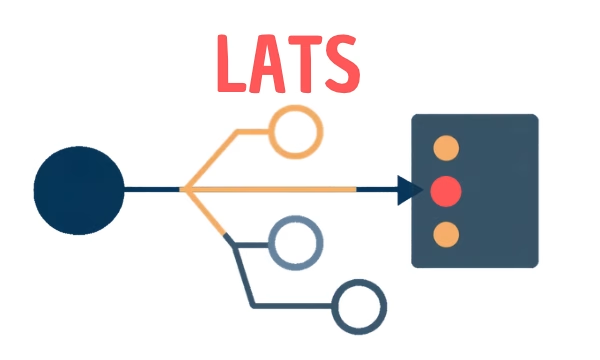
LATS: Considering several paths simultaneously with AI — and the availability check in SAP B1

ReAct and RLEF: How Artificial Intelligence Learns from Real Mistakes — and What Automated Bank Reconciliation in SAP Business One Has to Do with It