Coresuite Customize is the low-code customisation tool of the Coresuite product family. It allows consultants and experienced key users to extend SAP Business One without classic add-on development – through rules for form fields, validations, automatic field population, menu extensions, custom actions, and simplified workflows. The aim is to carry out standard customisations without C#-/SDK projects and without deployment pipelines.
Context
Typical scenarios include: enforcing mandatory fields (e.g., „Project number must be filled in for outgoing invoice"), automatically populating UDFs (e.g., Sales Employee → Commission Account), hiding buttons, showing/hiding header/line fields, setting coloured hints, linking print jobs to document status, and approval control. Rules are maintained in a graphical interface and can reference business objects, events, and SQL expressions. In the background, Customize uses the UI API events of the SAP B1 client — explicit input validation and threading do not need to be programmed manually, unlike in pure add-on code. The rule configuration is stored in its own Coresuite tables and is transported between tenants via Coresuite-specific export mechanisms.
Demarcation
Coresuite Customize does not replace the development of genuine add-ons: complex UI components, extensive business logic, or proprietary business objects should continue to belong in an SDK/UI API project or in a UDO. It is also not a reporting tool – Coresuite Designer, Crystal Reports or Pervasive Analytics are available for this purpose. Compared to B1's built-in tools such as Formatted Search and Approval Procedures bietet Customize significantly more depth (e.g. rules with complex conditions, field disabling, document type-specific logic), but requires its own licence and binds customers to the Coresuite ecosystem.

AI in everyday work: Here's how to find the right start

AI assistant meets SAP Business One: Two paths out of the Versino AI shop

Sprint and Swirl: How an AI agent divides work and learns from trials
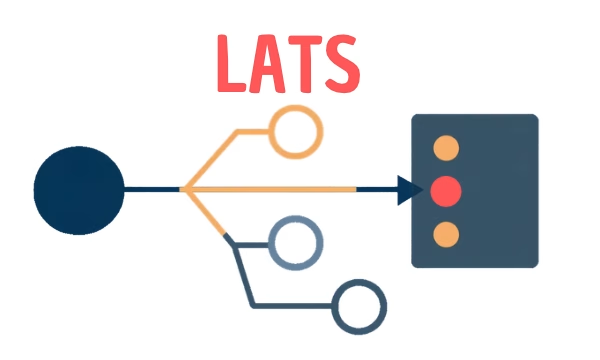
LATS: Considering several paths simultaneously with AI — and the availability check in SAP B1

ReAct and RLEF: How Artificial Intelligence Learns from Real Mistakes — and What Automated Bank Reconciliation in SAP Business One Has to Do with It