Waiting days In SAP Business One, the lead time in days defines the period that must pass between placing an order and an item becoming available. The value is stored in the item master data and is directly incorporated into the disposition (MRP) and the scheduling of orders and production orders.
Context
Waiting times will be on the tab Planning data resp. Stock master article data as a full day figure. In the MRP run, SAP Business One calculates from Date required (e.g. start date of a production order) backwards with this lead time, thus determining the latest permissible order or start date. Example: If a parent item is to start on July 8th and the component's lead time is 3 days, the component must be ordered or started by July 5th at the latest. If there is no longer enough time, the MRP result marks the demand in red – as a warning that the deadline cannot be met without express procurement or rescheduling. In production, set-up times, processing times, and waiting times are also taken into account via work schedules; the item lead time is the sum or a flat-rate approximation for the total throughput.
Demarcation
Waiting days are not identical to the Replacement days or the Lead time of the supplier — although the terms are often used interchangeably in practice, procurement time is more the supplier-side delivery period, while waiting days are the planning-relevant lead time within the system. They are also not tolerance days, which represent permissible deviations in the due date or delivery date. For the document flow, waiting days have no accounting effect; they solely control scheduling and proposal systems.

AI in everyday work: Here's how to find the right start

AI assistant meets SAP Business One: Two paths out of the Versino AI shop

Sprint and Swirl: How an AI agent divides work and learns from trials
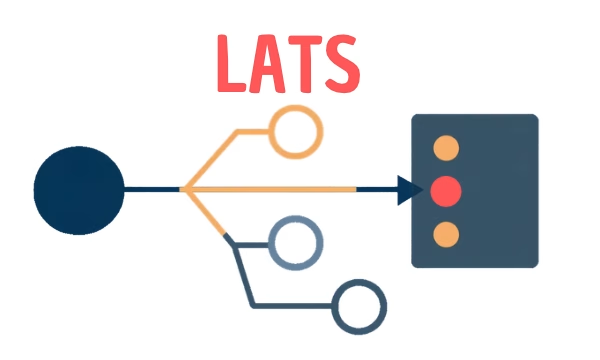
LATS: Considering several paths simultaneously with AI — and the availability check in SAP B1

ReAct and RLEF: How Artificial Intelligence Learns from Real Mistakes — and What Automated Bank Reconciliation in SAP Business One Has to Do with It