
Individual items are the individual processes from which a balance is composed. In SAP Business One, the user accesses them via drilldown, that is, via an orange arrow next to the balance.
Context
The orange arrows (link) are located in almost every window. They lead to a window that is thematically linked. Each arrow in front of a field is therefore an abbreviation to a closely related window.
In account sheets, the user clicks on the arrow next to the »Balance« field in the account plan. This takes them to the »Account Balance« window. In the case of business partners, the arrow next to the “Balance” field leads to the master data in the same window. There, it is only available via drilldown. The account balance of a customer is calculated as the sum of the original invoices minus payments and credits.
From the journal booking, the arrow in the field »Origin« leads to the document that triggered the booking. Further evaluations are provided by the main book, booking journal report, and document journal reports.
The liquidity planning in the Versino Financial Suite follows the same principle: A click on a row shows the individual items behind it.

Financial chat for SAP Business One: How he answers questions about numbers and when he prefers not to answer

AI in everyday work: Here's how to find the right start

AI assistant meets SAP Business One: Two paths out of the Versino AI shop

Sprint and Swirl: How an AI agent divides work and learns from trials
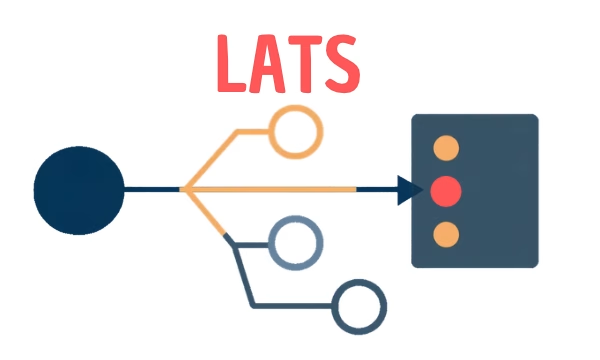
LATS: Considering several paths simultaneously with AI — and the availability check in SAP B1

