
That System Landscape Directory short SLD — is the central administration component of an SAP Business One installation on HANA. It manages databases, tenants, server services, user databases, the B1 Web clients, the integration Framework (B1if), the Electronic Document Service (EDS) and other platform services. Without SLD, a HANA-based B1 landscape cannot be installed or operated cleanly.
Context
The SLD runs as a web application via the SLD Control Centre. SAP B1 companies are registered there, HANA connections are configured, user passwords, SSL certificates, licence server transfers and B1i instances are maintained. When a new company is created, copied or migrated, the HANA tenant is registered against the SLD. Integrations also access it: the EDS server component for Peppol-Exchange, PEPPOL connectors and the Integration Framework are activated via the SLD dashboard. In SQL Server installations of SAP Business One, the SLD does not exist as a separate component – comparable tasks are handled directly by the SAP B1 administration tools. Anyone familiar with both versions will quickly notice: the SLD is what makes a HANA installation additionally „configuration-hungry" compared to SQL.
Demarcation
The SLD is not the License Server — it communicates with it but does not perform license checks. It is also not a HANA database administration interface: for HANA internal administration (backups, users, memory), HANA Cockpit and HANA Studio remain responsible. The SAP B1 standard name „System Landscape Directory" must not be confused with the term of the same name from the SAP NetWeaver/S4 cosmos — the B1 SLD is technically independent and only responsible for B1 landscapes.

AI in everyday work: Here's how to find the right start

AI assistant meets SAP Business One: Two paths out of the Versino AI shop

Sprint and Swirl: How an AI agent divides work and learns from trials
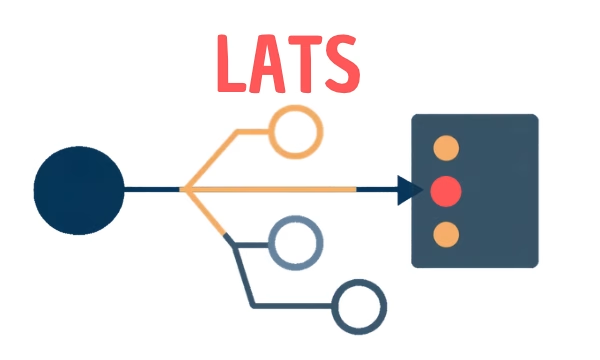
LATS: Considering several paths simultaneously with AI — and the availability check in SAP B1

ReAct and RLEF: How Artificial Intelligence Learns from Real Mistakes — and What Automated Bank Reconciliation in SAP Business One Has to Do with It