the Sales stage describes a single phase in the course of a opportunity — so the Opportunity a potential order, from initial contact to closing. Each stage has a name, a completion percentage, and optionally a standard duration, and together with the other stages, they form the company's sales pipeline.
Context
Sales stages are configured in the definition (Administration → Definition → sales Sales Stages); typical stages are approximately First contact (10%), Needs analysis (25%), Offer submitted (50%), Negotiation (75%), Order (100%). In the Opportunity, the stages on the tab Steps registered: With Next level is the pipeline being driven forward, Duplicate last step resp. Delete last step are available for post-processing. Documents such as quotes or customer orders can be directly linked to a stage by document type and document number to underpin the pipeline with real documents; is View GP receipts marked, only evidence of the current business partner is available for selection. The percentage value of the last achieved level appears in the opportunity header as Completion % and is the basis for weighted forecasts: expected revenue × close probability.
Demarcation
The sales stage is not identical to the Status an opportunity (Open, Won, Lost) — the stage describes the Where in the process, the status of Final result. It is also not to be equated with the delivery status in the sales process (Open, Partially Delivered, Closed), which refers to individual documents. While the sales stage is part of the CRM module, the Sales process The logistical-accounting chain: Quote → Order → Delivery → Invoice.

AI in everyday work: Here's how to find the right start

AI assistant meets SAP Business One: Two paths out of the Versino AI shop

Sprint and Swirl: How an AI agent divides work and learns from trials
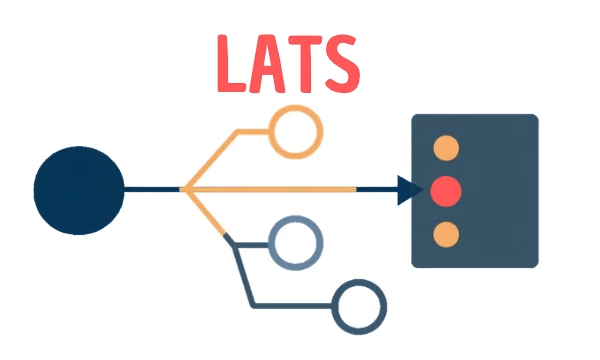
LATS: Considering several paths simultaneously with AI — and the availability check in SAP B1

ReAct and RLEF: How Artificial Intelligence Learns from Real Mistakes — and What Automated Bank Reconciliation in SAP Business One Has to Do with It