the UI API User Interface API, Library SAPbouiCOM.dllis the COM-based programming interface of the SAP Business One client. It allows add-ons to extend the running SAP interface: add forms, insert fields and buttons, extend menus, intercept user interactions, and react to events such as ItemEvent, FormDataEvent or MenuEvent react.
Context
An UI API add-on runs as a separate process alongside the SAP client and connects via the SboGuiApi-Bridge with the running instance. Via the object model Forms, items, DataSources can be modified (e.g. new tabs on the sales invoice) as well as complete custom forms Fixed, document type or user-defined object register. The UI API is almost always combined with the DI API because the UI API collects input but has no business logic: bookings, validations against base data and the saving of receipts run via DI API objects. Frameworks like the Versus Framework The Versino Financial Suite or Coresuite Customize encapsulate the UI API to simplify connection pooling, event filtering via lambda predicates, and thread safety.
Demarcation
The UI API is exclusively relevant for the Windows client; the SAP Business One Web Client interface is extended via its own Extensibility Architecture and not through SAP Business One User Interface Component Object Model. Unlike the DI API or Service Layer, the UI API is not a data interface but a UI interface – it does not read and write directly into the Database, but accepts inputs and triggers SAP internal actions. Server-side jobs, webhooks or integrations without a visible interface therefore use DI API, Service Layer or B1if instead of the UI API.

AI in everyday work: Here's how to find the right start

AI assistant meets SAP Business One: Two paths out of the Versino AI shop

Sprint and Swirl: How an AI agent divides work and learns from trials
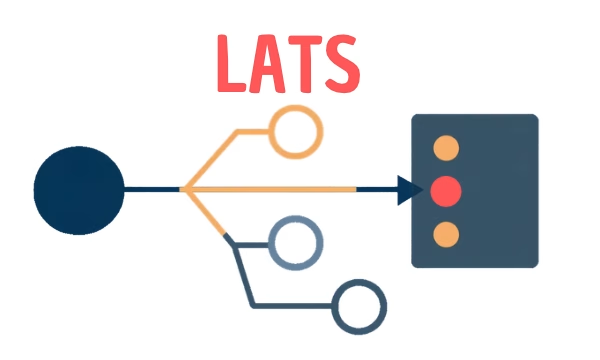
LATS: Considering several paths simultaneously with AI — and the availability check in SAP B1

ReAct and RLEF: How Artificial Intelligence Learns from Real Mistakes — and What Automated Bank Reconciliation in SAP Business One Has to Do with It