Query Generator and Query Manager are the two central standard tools in SAP Business One for queries on the Database to write, save and reuse queries within the company. They complement each other: the Query Generator is the workbench for creating new queries, and the Query Manager is the library and execution environment for those already saved.
Context
Of the Query Generator (Extras → Queries → Query Generator) provides an SQL editor including table and field browsers. Users can formulate pure SELECT statements, parameters ([%0], [%1] ...install it and test the query. The query is then saved in Query Manager (Extras → Queries → Query Managerwith category, name and an optional description; technically it lands in the table OUQR Fields QCategory, QName, QString, QType etc.). Via the Query Manager, queries can be assigned to a permission group or individual users and executed directly, linked to UDFs as Formatted Search, or integrated into alerts and dashboards. Advanced frameworks, such as the VPS Cockpit from the Versino Financial Suite, use OUQR as a persistence layer: queries are registered, used via a reference ID, and returned with lazy loading and caching as needed for ComboBox population and reports. In HANA installations, in addition to SQL, HANA-specific functions, views, and stored procedures can be called.
Demarcation
Only SELECT statements are permitted in Query Generator and Query Manager — INSERT, UPDATE, and DELETE are blocked to prevent uncontrolled write access. For data modifications, DI API, utilise the Service Layer or dedicated admin tools. The Query Manager is also no substitute for real reporting tools like Crystal Reports or Pervasive Analytics—it provides tabular output without layout design and complex groupings. To MS-SQL Query Builder or to HANA Studio, there is also a clear separation: those operate on the entire database, whereas the Query Generator/Manager work within the context of the respective B1 company database and respect SAP B1 authorisations.

AI in everyday work: Here's how to find the right start

AI assistant meets SAP Business One: Two paths out of the Versino AI shop

Sprint and Swirl: How an AI agent divides work and learns from trials
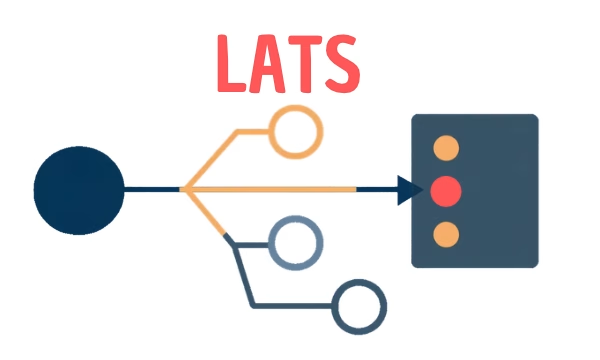
LATS: Considering several paths simultaneously with AI — and the availability check in SAP B1

ReAct and RLEF: How Artificial Intelligence Learns from Real Mistakes — and What Automated Bank Reconciliation in SAP Business One Has to Do with It