Sales tax is an indirect tax on the added value of goods and services that is automatically calculated in SAP Business One on the basis of tax code is calculated and recognised.
In SAP Business One, sales tax is defined by so-called tax codes (two digits). These contain information on the tax rate and tax type (e.g. output tax). The tax is calculated automatically depending on the pricing logic (net or gross) and recorded as a separate posting line in the journal. The tax amounts serve as the basis for statutory reports such as the Advance turnover tax return or the summarised report.
Integration into business processes
Sales tax is an integral part of sales documents (quotations, orders, invoices). It influences the price determination, discount logic, gross profit calculation as well as the disclosure on customer receipts. The Versino Financial Suite significantly improves these functions.
Relevant modules and functions
- finance
- Sale - A/R
- Reports (tax, sales analysis, Intrastat)
Concrete application examples
- Calculation of sales tax when creating an outgoing invoice
- Recognition of advance payment invoices including tax
- Display of reverse charge notices on invoices for EU transactions
Key features/important aspects:
- Automatic tax calculation via tax code
- Support for gross and net prices
- Support for various tax systems (EU, USA, reverse charge)
- Differentiation between input tax, sales tax, purchase tax
- Use in price lists, discounts, freight costs and reports
Target group:
End users in sales and finance, key users, consultants, management
Experience liquidity planning in SAP Business One live: The webinars on the new Versino Financial Suite

Financial chat for SAP Business One: How he answers questions about numbers and when he prefers not to answer
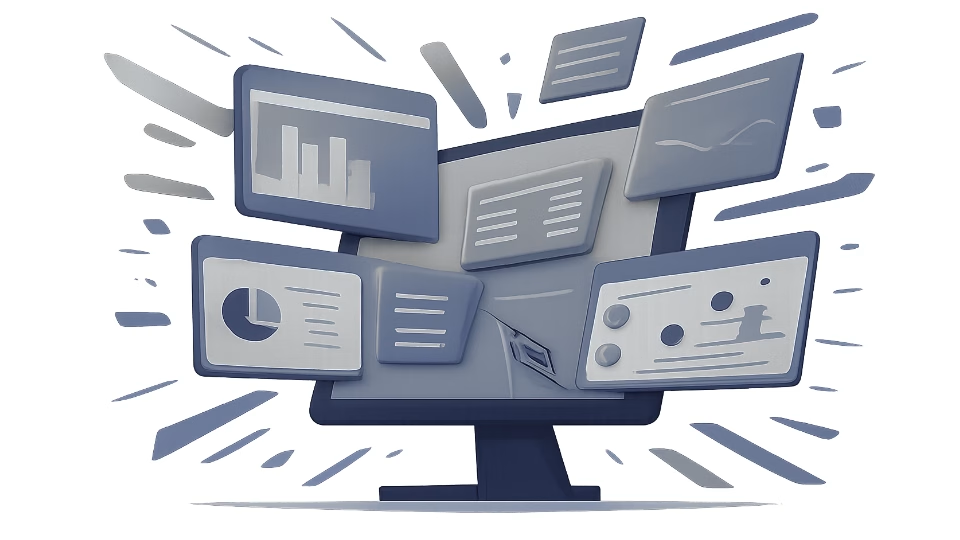
Versino Financial Suite Major Release: End of the SAP window cage
Account statement processing: What the Versino Financial Suite will offer in the future — a preview of accounting
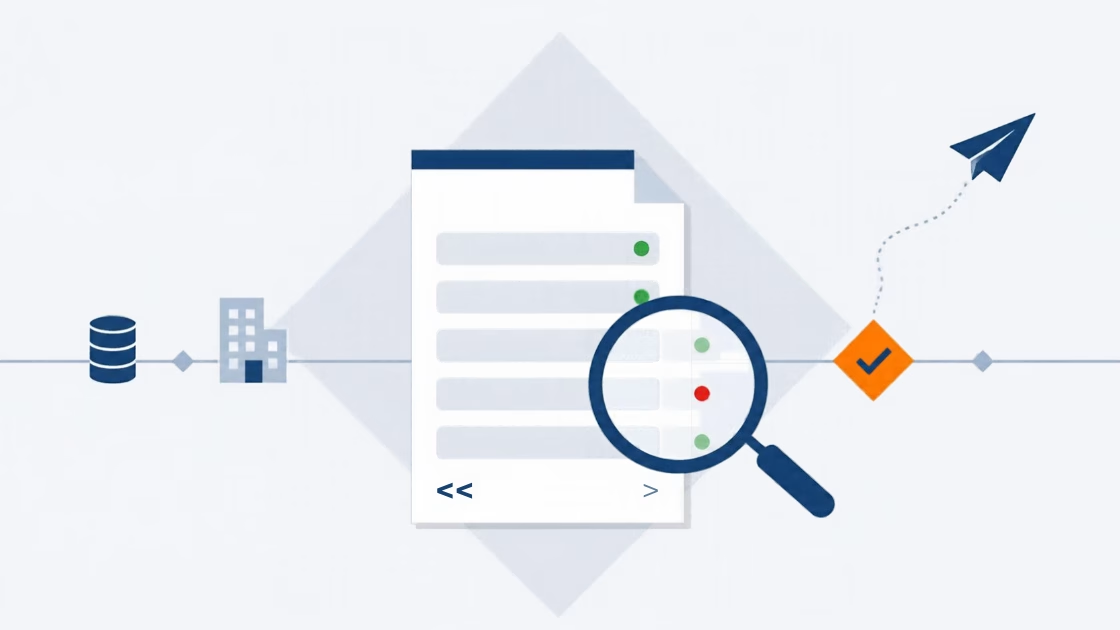
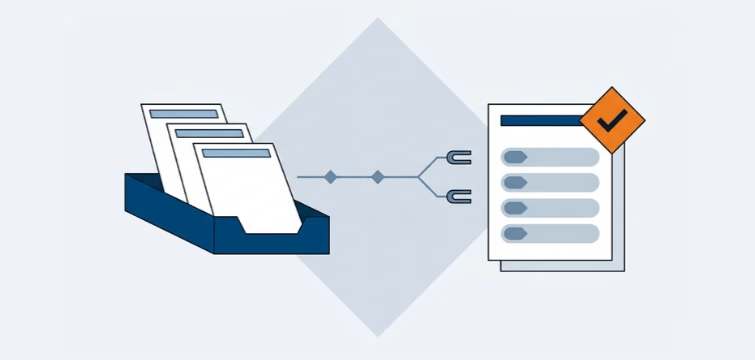
E-Invoice check by Versino Financial Suite