The bank statement manager is a feature in SAP Business One that imports electronic bank statements and automatically generates incoming payments, outgoing payments, and journal entries from them. In SAP terminology, this function is called "Kontoauszugsverarbeitung" or "Bank Statement Processing (BSP)"; the abbreviation BRS stands for Bank Reconciliation Statement and refers to the bank reconciliation document on which this process is based.
Context
The bank statement manager has been available as a core function since SAP Business One version 9.0 and must be activated once under Administration, System Initialisation, Company Details. This activation is irreversible. Subsequently, the menu path "Banking, Bank statements and external reconciliations". The user selects the house bank, imports the electronic bank file via the Electronic File Manager, and receives a parked document. The system then automatically searches for matching open items and marks hits. Unrecognised lines are manually assigned with a double-click. For medium-sized businesses, this means that payment receipts and expenditures are no longer booked manually in advance, but generated directly from the statement. This reduces duplicate work in accounting and speeds up the Month-end closing.
Demarcation
The Bank Statement Manager is not a pure reconciliation process. Manual reconciliation merely matches transactions already posted in the system against an external closing balance. The two-sided reconciliation via "Process External Bank Statements" compares imported statement data with house bank postings. The Bank Statement Manager, however, reverses the logic: the statement is the source from which payments and postings are created. After the first productive import, bank movements must no longer be posted via the manual payment modules, and statements must be processed chronologically.

AI in everyday work: Here's how to find the right start

AI assistant meets SAP Business One: Two paths out of the Versino AI shop

Sprint and Swirl: How an AI agent divides work and learns from trials
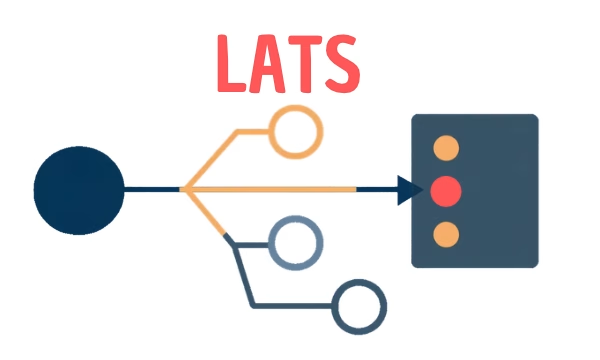
LATS: Considering several paths simultaneously with AI — and the availability check in SAP B1

ReAct and RLEF: How Artificial Intelligence Learns from Real Mistakes — and What Automated Bank Reconciliation in SAP Business One Has to Do with It