In the world of finance and business accounting, "depreciation" is a term that often raises eyebrows. In conjunction with SAP Business One - a comprehensive ERP software solution for small and medium-sized companies, which is characterised by the Versino Financial Suite significantly expanded - depreciation gains additional importance and complexity.

Depreciation is the accounting method used to spread the loss in value of assets over their useful life. This loss in value is caused by wear and tear, ageing or technological obsolescence. Depreciation is therefore a key factor in financial accounting that helps to reflect the realistic costs of fixed assets.
Within SAP Business One, AfA is used as part of the asset accounting treated. Users can create depreciation schedules for each asset, with SAP Business One supporting different depreciation methods such as straight-line, declining-balance or performance-based.
The correct application of depreciation enables companies to accurately reflect their financial health. It influences both the tax burden and profitability and is therefore of great importance for strategic financial planning.
In SAP Business One, the depreciation data flows directly into financial reports such as the Profit and Loss Account and the balance sheet. This ensures transparency and accuracy in financial reporting.
SAP Business One makes it possible to dynamically adjust depreciation plans, for example in the event of the sale or extraordinary depreciation of fixed assets. This flexibility is crucial in order to be able to react to changes in the business environment.

Experience liquidity planning in SAP Business One live: The webinars on the new Versino Financial Suite

Financial chat for SAP Business One: How he answers questions about numbers and when he prefers not to answer

Versino Financial Suite Major Release: End of the SAP window cage
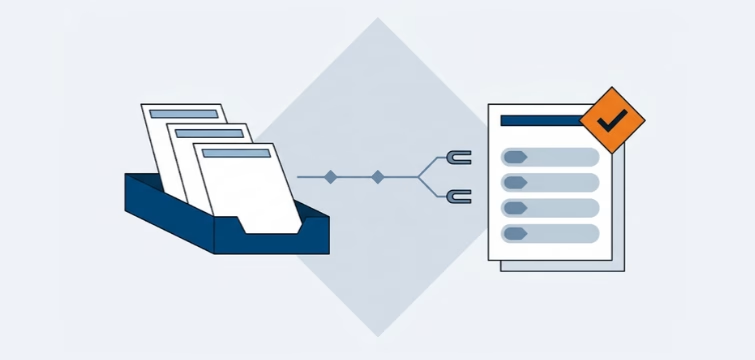
Account statement processing: What the Versino Financial Suite will offer in the future — a preview of accounting
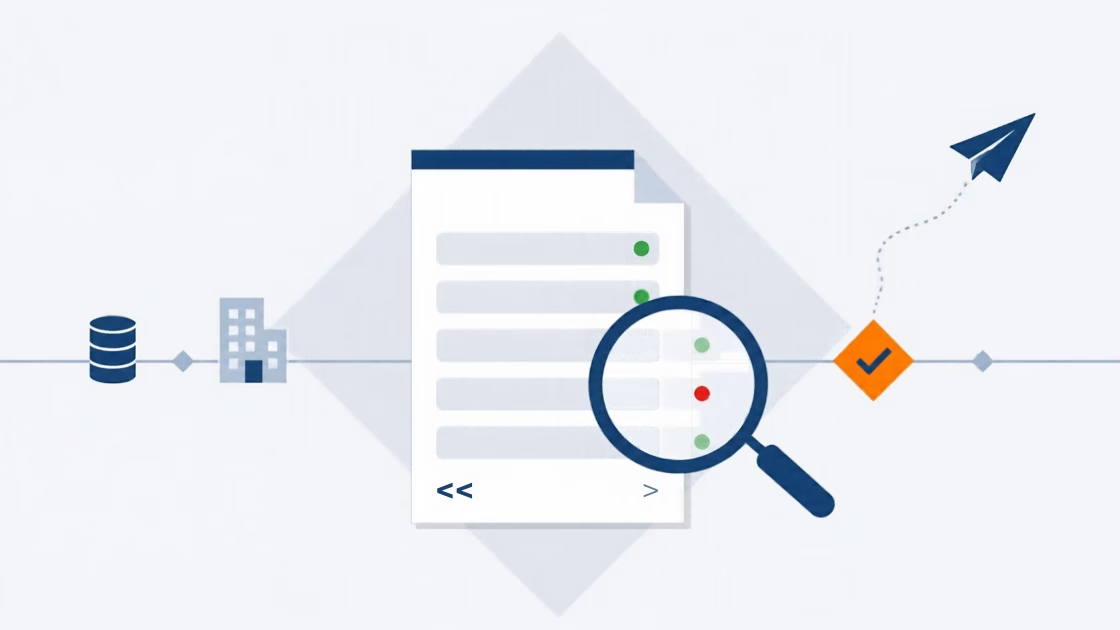
E-Invoice check by Versino Financial Suite