An account statement is quickly read. That is the manageable part of the work.
The work is behind it. The extract has to find the right client and bank account. Then come the lines: Which customer paid here, on which invoice, and what does the bank code mean? With multiple clients on a server, this task grows larger.
The upcoming account statement processing in the Versino Financial Suite addresses this issue. It replaces the previous bank import add-on. It is not yet available to customers. This article provides an overview of how it should work (as of the development stage; changes are possible before release). It does not specify a date.
The folder as a mailbox

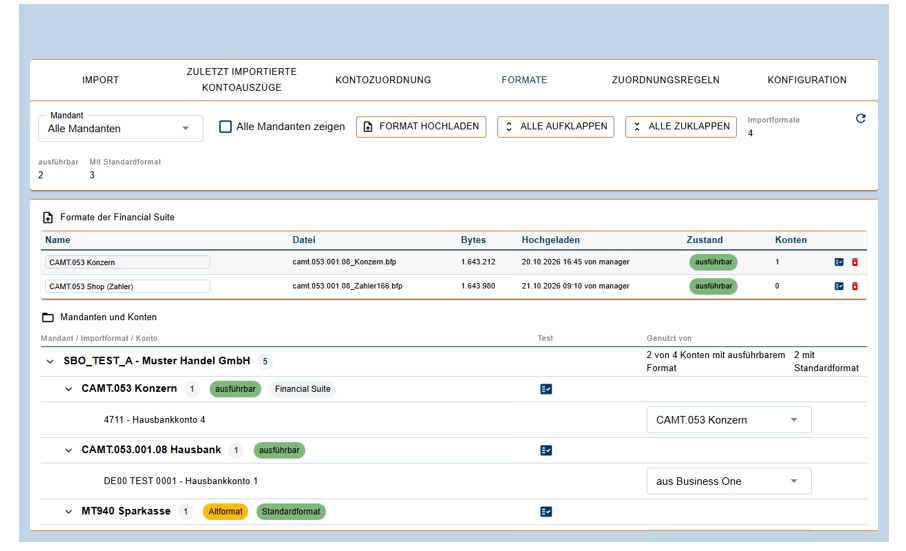
The account statement processing reads account statements in the CAMT 053 format. This is the XML variant of the electronic account statement that banks provide. The files are located in one or more input folders.
A Windows service on the SAP server retrieves them according to a schedule. It does not require a logged-in user. You set the interval for each folder in minutes. A file is retrieved no earlier than ten seconds after the last write access. Completed files are moved to a storage folder, problematic files to a error folder.
Anyone who wishes can import manually. In the account statement processing window (in Business One under Financial Suite), a folder can be imported immediately, either in their own client or through the service. Business One remains operable.
The IBAN is sorted
An extract lists his account, usually via the IBAN. The Financial Suite then finds the client and the home bank account. This also applies across all clients: if all clients are located on the same database server, the module populates the extract with the correct client.
New home banking accounts initially appear disabled in the account hierarchy. An administrator deliberately activates them. Deactivates live accounts, test and development accounts: this is the recommendation.
If the same IBAN is present in several active clients, the module does not import these extracts. Instead, it displays a red error message. This is typical for a copy of the live client. Importing is only resumed when only one association is active for each IBAN. In the copy, the message is: Disconnect that account. If a statement is linked to a different account than the home bank account (for example, without an IBAN), the association can be manually entered.
Draft instead of booking
The imported extract ends up as a draft in Business One's bank extract processing system. There, things proceed as usual: checking rows, assigning open rows, booking. The Financial Suite does not build a second booking world in addition to Business One. What is in Business One remains the decisive factor.
The same extract is never created twice. A second import of the same file ends with the status „already present“. If you delete a draft in Business One, the extract can reappear during the next import. The module does not even create extracts without any sales.
Rules that prepare the way
After importing, the assignment rules of the Financial Suite are applied to the lines of the design. There are four types:
- Evidence from the purpose of use: A search pattern extracts proof numbers or customer references from the text and searches them among the open incoming and outgoing invoices. If all matches belong to a business partner, the Partner and Proofs row is generated.
- Business partner via bank account: The counterpart’s IBAN (otherwise bank code and account number) is compared with the business partner’s bank accounts. There must be exactly one match.
- Business partner via pattern: A search pattern finds a partner code or part of the partner name in the text.
- Encrypting external code: From the bank code, a new external code is generated, depending on the direction, reference, and bank connection of the other party. Business One derives the booking method and account from this.
An example from the documentation is the Cash Pool. The bank provides code 833 with the purpose of „ADS VON “. A rule makes this the assignment to the partner’s settlement account.
Two safeguards are included. A line that already has a business partner remains untouched. And in the event of ambiguity, the rule never assigns one. A referral is excluded. What a rule has done is recorded in the protocol, for example: „Line 3: Business partner … assigned by rule …“.
A humble stepping stone: The search pattern must fit the length of the account numbers. A pattern for four- to six-digit numbers does not find an eight-digit one. That’s the ideal world, where all account numbers are the same length. Because account statement processing replaces the previous add-on, its rules can be adopted for each client. However, rules with free SQL must be built manually.
The protocol and who gets to know about it
Each run is readable in the import log, per file and per extract. The status indicates the reason: imported, already present, not assigned, ambiguous, disabled, locked, no bookings or failed. For a draft, the number is shown next to Business One. The log can be exported as a CSV file. You can set the retention period in months. The default is: keep everything.
If a scheduled run fails to complete something, the Financial Suite sends a message in Business One to the recipients you specify. The reason is an unassigned account, a locked or failed run, or an inaccessible folder. The same reason appears at most once an hour. However, no one is informed of a problem in the schedule run without the registered recipients.
For whom this might be worth it
The described functions are aimed at accounting systems in which multiple client or corporate bank accounts are combined on a database server, where invoice numbers or customer references are used for purposes other than their intended use, and where special cases such as a cash pool appear. This is an assessment, not a commitment.
Checking and booking remain in Business One with your accounting department. CAMT 053 reads the account statement and can use import formats from Business One as long as it can run them. Requirements include, among other things, SAP Business One 10.0 on Microsoft SQL Server (all target endpoints on the same database server), a license for the module, a technical user in all target endpoints, the .NET components on the clients, and the installed bank statement processing with open billing periods on every target endpoint.
Classification
At the end of the day, an account statement is just a list of questions. The upcoming account statement processing should answer the simple ones beforehand and leave the more difficult ones where they belong: in accounting.
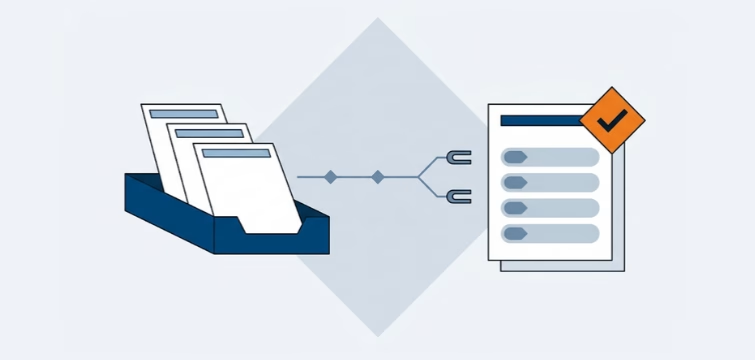
Account statement processing: What the Versino Financial Suite will offer in the future — a preview of accounting
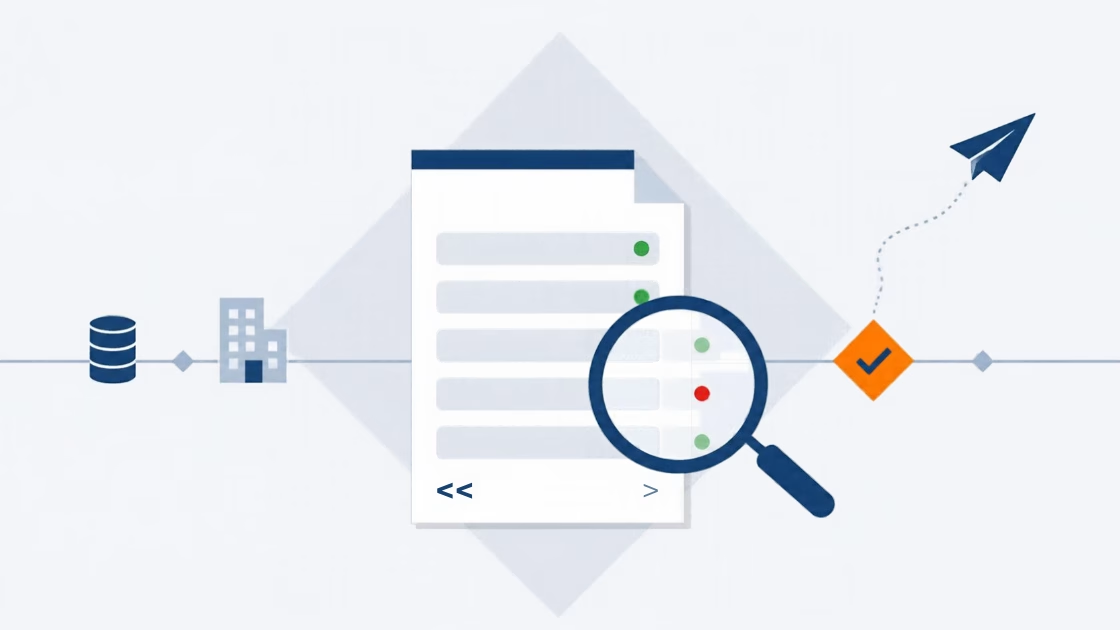
E-Invoice check by Versino Financial Suite

Cash flow planning in SAP Business One: What the Versino Financial Suite does differently

Netting in SAP Business One: What makes the Versino Financial Suite different

Trial Balance in SAP Business One: What the Versino Financial Suite does differently – and why tax advisors notice

Versino Financial Suite V09.2025 for SAP Business One

New webinars: Versino Financial Suite