In SAP Business One, a G/L account is a formal record of a specific account type, e.g. assets, liabilities, equity, income or expenses. It shows the opening balance, bookings and the current closing balance and is a central component of the financial accounting.

Basic properties:
- Each G/L account has an account code, a description and specific properties.
- It can be used as Active account (bookable) or Title account (structural element) can be defined.
- The chart of accounts has up to 10 levels - levels 1-3 are used for structuring, levels 4-10 contain active accounts.
- Account types: Expenses, income, balance sheet accounts (other).
- Currency management: Local currency, foreign currency or all currencies.
- Optional features: confidential, indexed, cash account, project allocation, cost type, VAT code, budget relevance.
Use of G/L accounts:
- Basis for journal entries (debit/credit).
- Recording of payments, income and costs.
- Assignment to projects, Allocation rules or cost types are possible.
- Integration into company codes (e.g. outgoing payments, service documents).
- Used in cash flow analyses when labelled as a cash account.
Types of G/L accounts:
- Reconciliation accounts: Linked to business partners, used for the automatic posting of receivables/payables.
- Clearing accounts: Serve to temporarily equalise postings.
- Cash accounts: Bank/cash accounts, relevant for cash flows and Cash flow reports.
G/L account determination:
- Takes place via Administration → Definitions → Financial accounting → G/L account determination.
- Defines which accounts are used for which posting scenarios.
- Differentiation between standard and extended G/L account determination.
Management of G/L accounts:
- Account management via Finances → Chart of accounts or Edit chart of accounts.
- New creation and editing via input mask.
- Account code generator for the mass creation of accounts with a segmented chart of accounts.
- Obsolete accounts can be deleted collectively.
Reports in connection with G/L accounts:
- G/L account and business partner report
- Trial Balance
- Balance sheet report
- Profit and Loss Account
- Document journal and transaction journal report
Summary:
G/L accounts are the core components of financial accounting in SAP Business One. They record, categorise and document all financial business transactions. A precise definition, structured management and correct account determination are crucial for the accuracy of accounting and the quality of financial reporting.
the Versino Financial Suite extends G/L account determination in SAP Business One through rule-based automation. Postings are automatically assigned to the correct G/L accounts based on criteria such as article or warehouse. The Versino Financial Suite provides a better overview, reduces manual intervention and fulfils GoBD and DATEV requirements.
Sources

Experience liquidity planning in SAP Business One live: The webinars on the new Versino Financial Suite

Financial chat for SAP Business One: How he answers questions about numbers and when he prefers not to answer

Versino Financial Suite Major Release: End of the SAP window cage
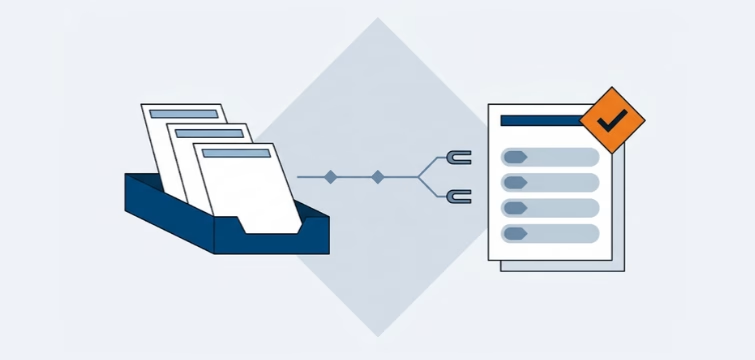
Account statement processing: What the Versino Financial Suite will offer in the future — a preview of accounting
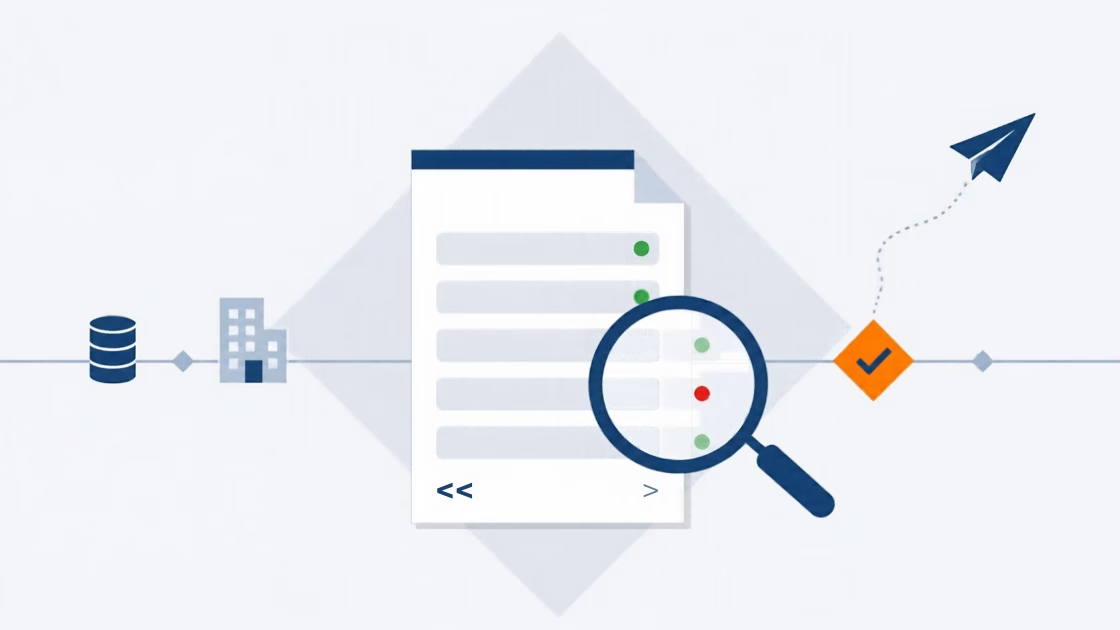
E-Invoice check by Versino Financial Suite