
19 may

Reversal entry (VFS DATEV Export)

Versino Financial Suite

One Reverse entry a booking correction type in SAP Business One, which is marked in the DATEV export with the General Reversal Key (GU Key). Up to VFS v03, every reversal posting was exported blanketly with the General Reversal Key 20 – regardless of whether it was a credit note or a cancellation document.

Context

From VFS v04.2026, the user controls the GU key assignment via three modes: account-based (only specific accounts receive the key), cancellation-based (only explicit SAP B1 cancellation processes receive the key), or document-based (all reversal postings receive it). This differentiation prevents credit memos from being incorrectly exported as general reversals — which previously led to an incorrect debit representation in DATEV. (Source: V04.2026_V2, Ch. 4.1.3, p. 11)

Demarcation

A reversing entry is not the same as a credit note. A credit note is a standalone document type that reduces revenue; a reversing entry corrects a booking error by offsetting it. Both may take the same technical booking path in the system, but they must be marked differently in the DATEV export so that the firm can process the situation correctly.


Versino Financial Suite Webinars.

Experience liquidity planning in SAP Business One live: The webinars on the new Versino Financial Suite

Predictability in unpredictable times: Every management team wants reliable liquidity planning. There is agreement on this. That’s the ideal world. The difficult part...
Financial chat for SAP Business One: How he answers questions about numbers and when he prefers not to answer

Financial chat for SAP Business One: How he answers questions about numbers and when he prefers not to answer

Anyone who does not book in SAP Business One on a daily basis often faces closed doors when it comes to questions regarding the financial system...
Versino Financial Suite Major Release: End of the SAP window cage
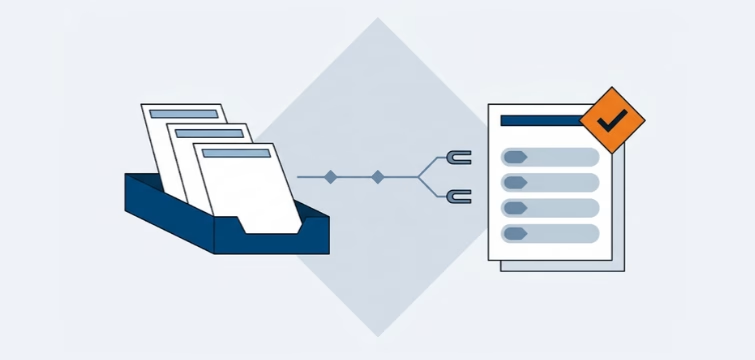
Versino Financial Suite Major Release: End of the SAP window cage

Anyone who has two monitors on their desk also uses them. That goes without saying. In the SAP Business...
Account statement processing in SAP Business One: The account statements flow from an input basket via a sorting line to a draft that the accounting department checks with an orange check mark.

Account statement processing: What the Versino Financial Suite will offer in the future — a preview of accounting
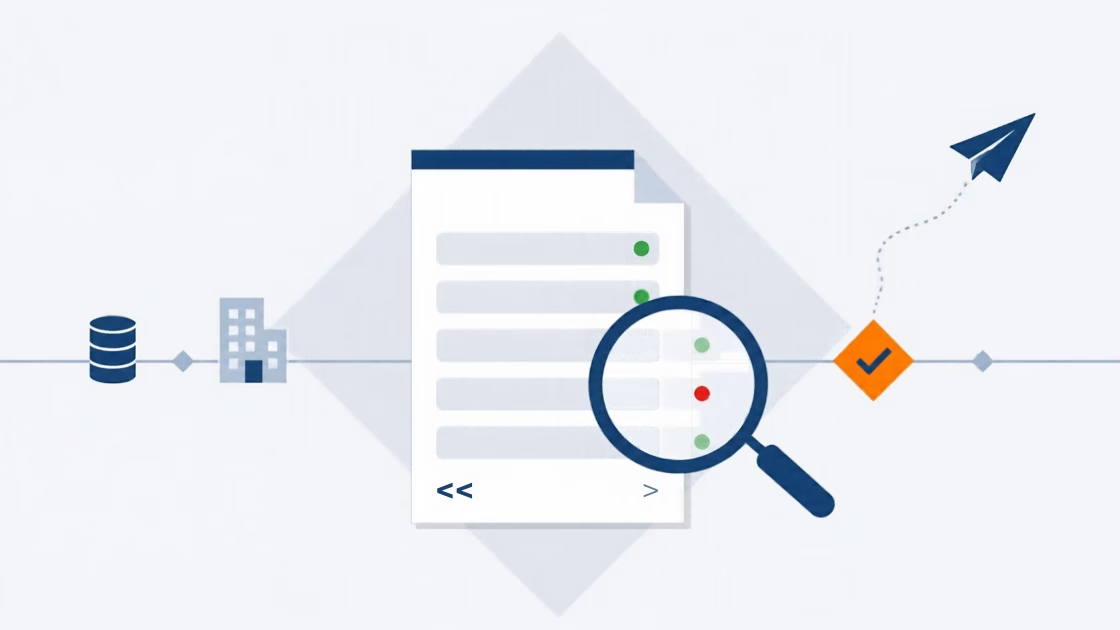
An account statement is quickly read. That is the manageable part of the work. The work lies behind that. The statement must be sent to the...
E-invoice check

E-Invoice check by Versino Financial Suite

An e-invoice is quickly generated. SAP Business One includes the XRechnung feature as standard, and those who use cks.eINVOICE or the ...
Cash flow forecasting SAP B1

Cash flow planning in SAP Business One: What the Versino Financial Suite does differently

Cash flow planning is considered a done deal in many medium-sized companies. After all, there are bank statements, there are open items, ...
SAP Business One Netting and Accounts Payable

Netting in SAP Business One: What makes the Versino Financial Suite different

When a business partner is both a customer and a supplier, that sounds like a comfortable situation. You know each other, you trust...
Susa-in-the-Versino-Financial-Suite

Trial Balance in SAP Business One: What the Versino Financial Suite does differently – and why tax advisors notice

The Trial Balance is one of the oldest reports in accounting. Every accounting program has it, and SAP Business One itself...
Wird geladen …