the Sales analysis In SAP Business One, the central report for evaluating sales, gross profits, and sales volumes by customer, item, or sales employee aggregates data from all invoiced sales documents. It also provides entry points for tracing individual key figures back to the document level.
Context
The sales analysis is being called up via Report selection → Purchasing and sales → Sales analysis. Display options include per customer (annually/monthly), according to articles and sales representatives available; double-clicking a line opens the detailed report with all underlying documents. The basis for the analysis is the outgoing invoices (OINV/INV1) and exit credits (ORIN/RIN1). For meaningful gross profits, gross profit calculate be activated in the receipt settings; the origin of the base price is on continuous inventory management item cost set, otherwise on price lists or the last determined purchase price. For migration scenarios, there is the SDOCConcept of statistical evidence, with which historical sales can be seamlessly fed into sales analysis—retrievable via queries SDOC_Statistical and current invoices and SDOC Sales Analysis including Statistical Evidence for management reporting on an annual and monthly basis.
Demarcation
Sales analysis is not a CRM evaluation: it shows realised revenues, not the opportunity pipeline – for which separate CRM reports exist. Nor is it identical to the Pervasive analytics Dashboard, which is based on HANA views and offers interactive tiles; the sales analysis, on the other hand, provides standard tabular reports with drill-down capabilities. From the annual accounts or the P&L it differs in that it maps the sales view (by customer/product), not the account-based financial view.
AI in everyday work: Here's how to find the right start

AI assistant meets SAP Business One: Two paths out of the Versino AI shop

Sprint and Swirl: How an AI agent divides work and learns from trials
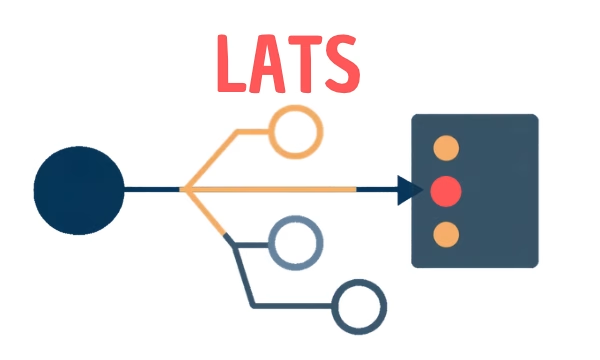
LATS: Considering several paths simultaneously with AI — and the availability check in SAP B1

ReAct and RLEF: How Artificial Intelligence Learns from Real Mistakes — and What Automated Bank Reconciliation in SAP Business One Has to Do with It