the Account statement processing (Versino Financial Suite) is a module of the Versino Financial Suite that imports electronic account statements into SAP Business One and provides them as draft documents in the bank statement processing system. This module replaces the previous bank import add-on.
Status
The module is still under development and has not yet been released to customers. All information is based on the current state of development. Changes are possible before release.
Context
The account statement processing reads account statements in the CAMT 053 format, the XML variant of the electronic account statement. In addition, it uses import formats from Business One, insofar as it is able to run them.
The extract files are located in one or more input folders. A Windows service on the SAP server retrieves them according to a schedule, without requiring a user to be logged in. The interval applies to each folder and is set in minutes. Completed files are moved to a storage folder, problematic files to an error folder. Additionally, a manual import via a window in Financial Suite in Business One is possible.
The Financial Suite finds the client and the home bank account via the IBAN of the statement. This also works across clients, provided that all clients are on the same database server. New home bank accounts appear initially disabled in the account reconciliation. An administrator turns them on. If the same IBAN appears in several active clients, the module does not import it and displays a red error.
After importing, the assignment rules run through the lines of the design. In addition, the module generates an import log for each file and each extract. If a scheduled run fails to complete something, it sends a message to the specified recipients in Business One. No one will know about the problem without the registered recipients.
As prerequisites, depending on the development status: SAP Business One 10.0 on Microsoft SQL Server, all target clients on the same database server, a module license, and one technical user in all target clients. Additionally, each target client requires the installed bank statement processing with open billing periods.
Demarcation
Account statement processing does not build a second booking world in addition to Business One. The imported statement is stored as a draft in Business One. There, accounting processes the rows, assigns them, and posts them. What is in Business One remains the basis. A statement is never created twice: a second import of the same file receives the status „already present“.

Experience liquidity planning in SAP Business One live: The webinars on the new Versino Financial Suite

Financial chat for SAP Business One: How he answers questions about numbers and when he prefers not to answer

Versino Financial Suite Major Release: End of the SAP window cage
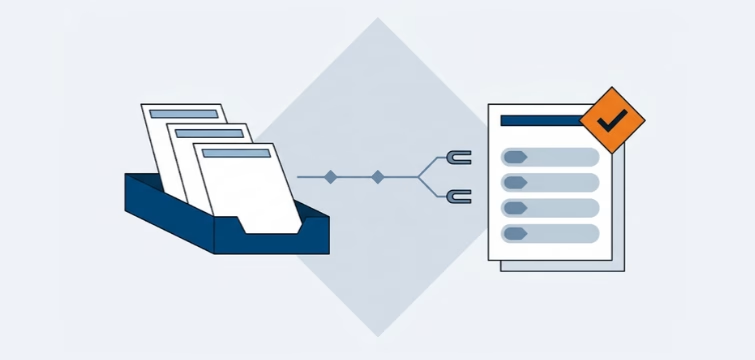
Account statement processing: What the Versino Financial Suite will offer in the future — a preview of accounting
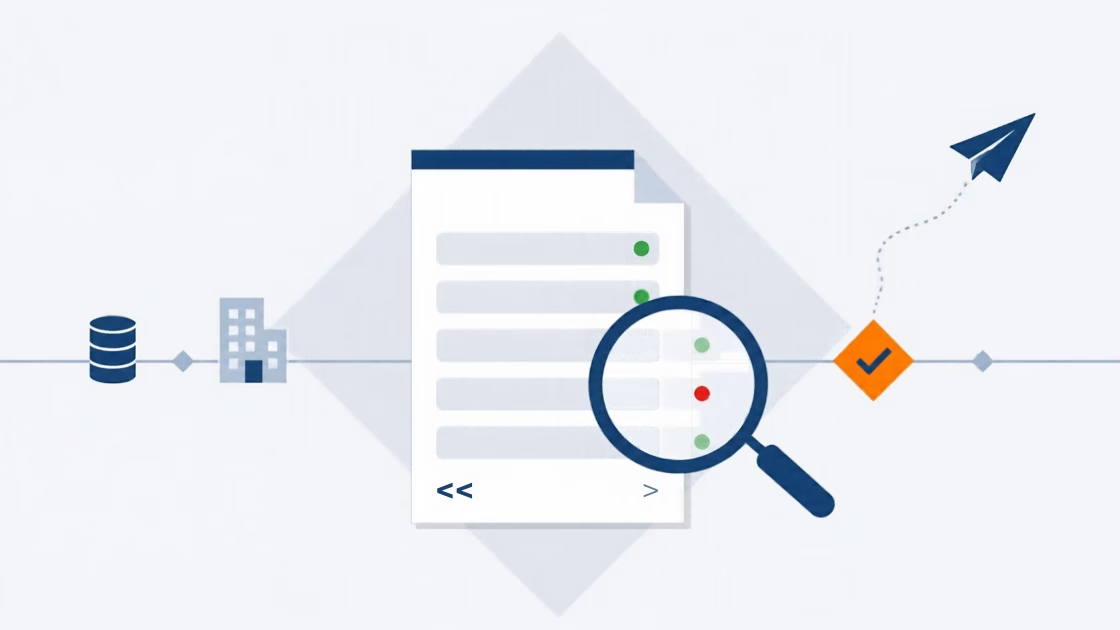
E-Invoice check by Versino Financial Suite

Cash flow planning in SAP Business One: What the Versino Financial Suite does differently

Netting in SAP Business One: What makes the Versino Financial Suite different