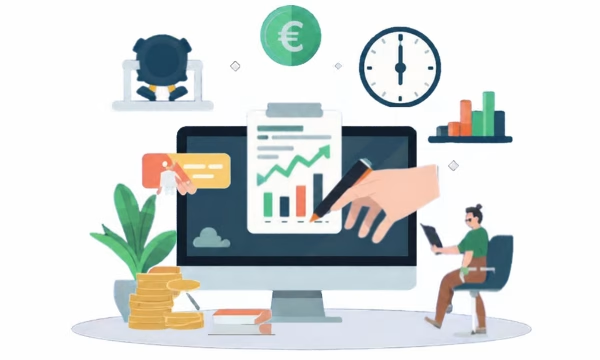
Accounts payable accounting is a sub-ledger from the financial accounting.

In accounts payable accounting, regular deliveries and services are recorded in a master record. Each delivery and each invoice receipt with reference is sent to a master number. This in turn is used for procurement, e.g. for Purchasing.
In SAP Business One, the requirements of accounts payable accounting are supported by specific functions that enable efficient processing and tracking.
Supplier master data
In SAP Business One, supplier information can be comprehensively integrated into the Business partner master data are recorded and managed. This includes contact details, payment terms and tax information, which are essential for day-to-day business operations.
Reference numbers
In SAP Business One, you can assign unique references for each delivery or invoice receipt. These ensure a clear assignment between documents and facilitate tracking in the system.
Procurement support
SAP Business One offers an integrated module that covers the entire process from purchase requisition to goods receipt and invoice verification. The use of a master number ensures consistency and transparency throughout the entire process.
Automated account determination
G/L account determination makes it possible to assign postings directly to the correct accounts. You can define rules to ensure that all accounts payable postings are processed efficiently and without errors.
Versino Financial Suite
the Versino Financial Suite makes accounts payable accounting in SAP Business One significantly more efficient and secure: with a centralised financial cockpit, automated processes, fast recording of incoming invoices and comprehensive analysis options, it ensures greater transparency, fewer errors and audit-proof documentation. Thanks to GoBD/DATEV compliance and flexible export functions, collaboration with tax advisors is simplified and the entire accounts payable process is made more modern and convenient.

Experience liquidity planning in SAP Business One live: The webinars on the new Versino Financial Suite

Financial chat for SAP Business One: How he answers questions about numbers and when he prefers not to answer

Versino Financial Suite Major Release: End of the SAP window cage
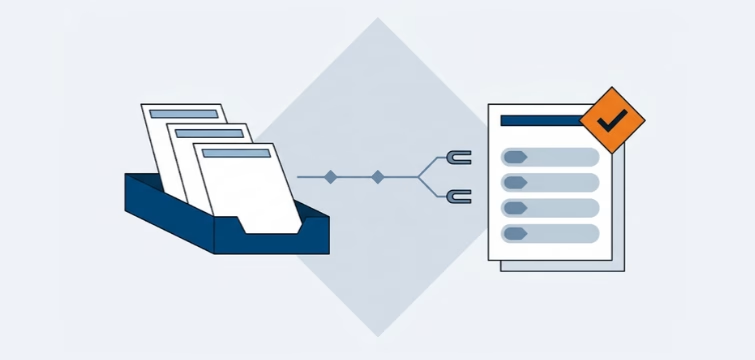
Account statement processing: What the Versino Financial Suite will offer in the future — a preview of accounting
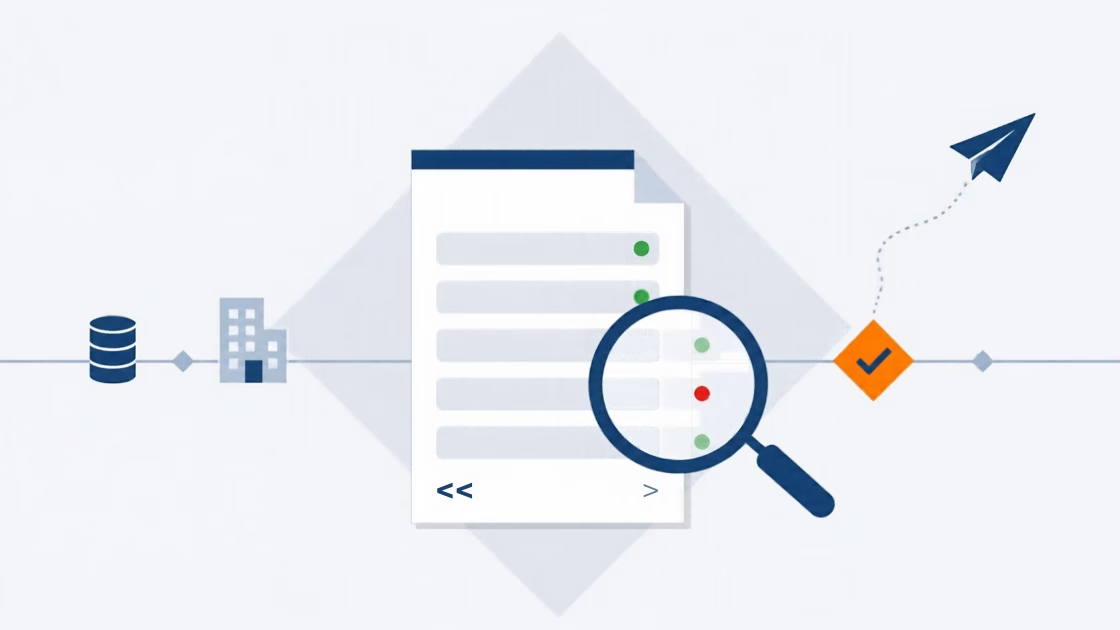
E-Invoice check by Versino Financial Suite