SAP Business One Recurring Postings is a powerful solution to efficiently and accurately manage recurring postings such as rent payments, insurance premiums or the reversal of accruals and deferrals. Recurring entries are proving to be an indispensable tool for companies that want to optimise their accounting processes and improve the accuracy of their financial reports.
Introduction to recurring bookings
Recurring postings allow recurring postings with constant amounts to be entered automatically in SAP Business One. This function is particularly useful for companies that make or receive regular payments and need to post these payments on an accrual basis over a certain period of time.
Creating a recurring entry template
The first step in using recurring entries is to create a recurring entry template in the Financial Accounting module. These templates serve as the basis for the automatic entry of postings. When creating a template, important details such as the template code, a description, the booking text as well as the accounts and amounts involved. By specifying an execution interval and a validity period, it is ensured that the postings are only executed for the relevant period.
Practical application of recurring bookings
A practical example of the use of recurring entries is the period-based distribution of annual maintenance costs for the company's IT. After receiving an advance invoice, the total costs are also posted monthly over the duration of the maintenance period. For this purpose, a partial amount of the total costs is posted as a debit amount to the IT maintenance expense account and the same amount is posted as a credit amount to the prepaid expenses account. This method ensures that costs are allocated accurately and on an accrual basis.
Management and execution of recurring bookings
After creating a recurring entry template, you can manage and check the pending recurring entries via a confirmation list. This list provides an overview of postings that have not yet been carried out and allows you to carry out individual or all postings in a targeted manner. SAP Business One also allows you to delete recurring entry templates or individual instances if required.

Reminder function for upcoming recurring bookings
You can also activate a reminder function in SAP Business One to ensure that you do not forget any recurring entries. This function displays upcoming recurring postings when logging into the system and thus supports the timely execution of postings.
Conclusion
SAP Business One recurring entries are an efficient solution for posting recurring financial transactions automatically and error-free. By using this function, companies can significantly simplify their accounting processes, increase the accuracy of their financial reports and save valuable time. Whether for managing rental payments, insurance premiums or other regular payments, recurring entries provide a reliable and practical way to optimise financial management.

Experience liquidity planning in SAP Business One live: The webinars on the new Versino Financial Suite

Financial chat for SAP Business One: How he answers questions about numbers and when he prefers not to answer

Versino Financial Suite Major Release: End of the SAP window cage
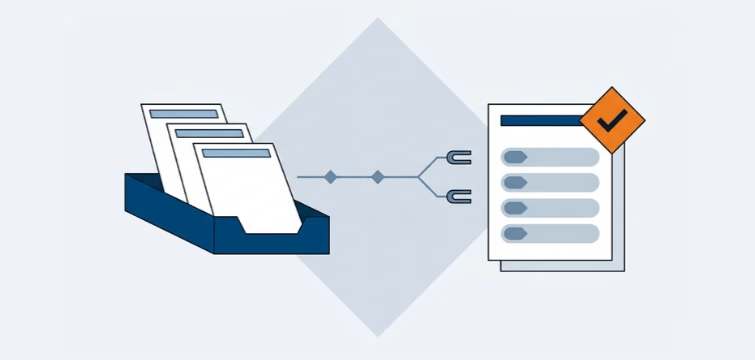
Account statement processing: What the Versino Financial Suite will offer in the future — a preview of accounting
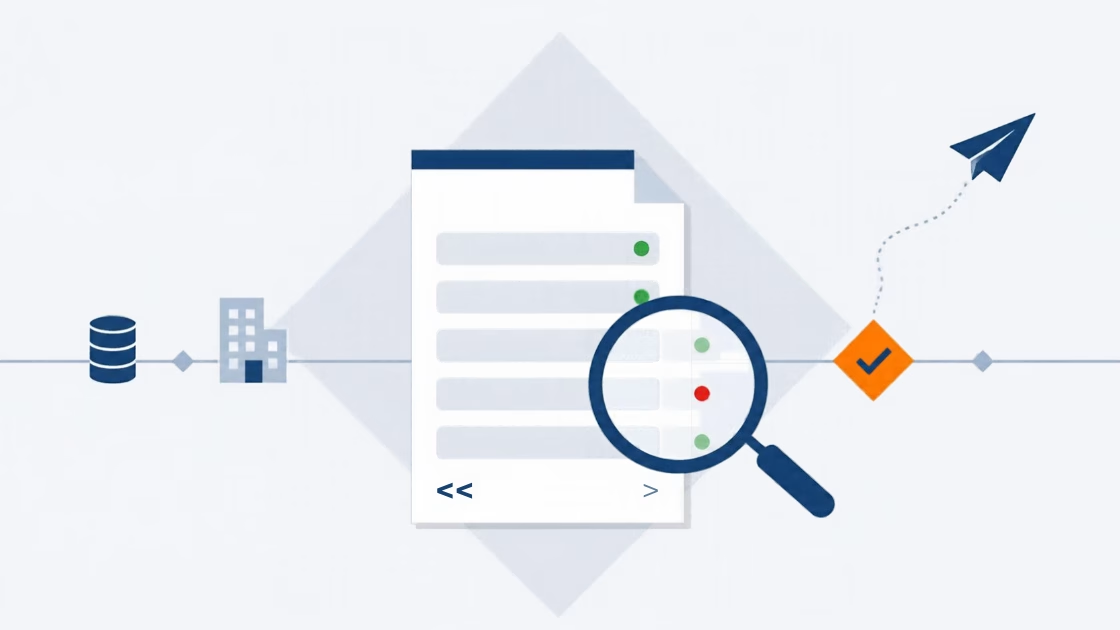
E-Invoice check by Versino Financial Suite