the Unscheduled amortisation recognises unforeseen and non-regular impairments of assets that exceed scheduled depreciation and amortisation. It is recognised if there is a permanent impairment and serves as a realistic representation of the company's asset situation.

Typical causes:
- Accidents or total losses (e.g. destroyed company car)
- Technical wear and tear or economic loss of value (e.g. outdated machines)
- Bad debt losses from uncollectible customer receivables
- Price losses on financial investments
- Spoilt or devalued stock
Types of assets affected:
- Fixed assets: Property, plant and equipment, intangible assets, financial assets
- Current assets: Receivables, inventories, securities (strict lower of cost or market principle)
Legal basis:
- HGB (§ 253): Differentiation between scheduled and unscheduled depreciation
- EStG (section 6 (1) no. 1 sentence 3): The benchmark is the going-concern value - i.e. the estimated market value
- IFRS: IAS 36 regulates the impairment test, IAS 16 and IAS 38 the application to fixed assets
- UGB (Austria): § Section 204 UGB contains corresponding regulations for fixed assets
Posting:
- recognised in profit or loss via the account "Impairment losses"
- In cost accounting, possibly as Imputed risks treated
Special features in SAP Business One:
- Recording via Manual amortisation with selection of the type "Unscheduled depreciation"
- No automatic control - Manual receipt required
Reversal of impairment losses:
- IFRS: Reversal of impairment losses possible if reasons for amortisation no longer apply
- HGB: Prohibition of reversal of impairment losses on fixed assets
Example: A machine is severely damaged in a production accident. The fair value falls permanently below the book value. An impairment loss is recognised in SAP Business One. The carrying amount is reduced to correctly reflect the actual recoverability.

Experience liquidity planning in SAP Business One live: The webinars on the new Versino Financial Suite
Predictability in unpredictable times: Every management team wants reliable liquidity planning. There is agreement on this. That’s the ideal world. The difficult part...

Financial chat for SAP Business One: How he answers questions about numbers and when he prefers not to answer
Anyone who does not book in SAP Business One on a daily basis often faces closed doors when it comes to questions regarding the financial system...

Versino Financial Suite Major Release: End of the SAP window cage
Anyone who has two monitors on their desk also uses them. That goes without saying. In the SAP Business...
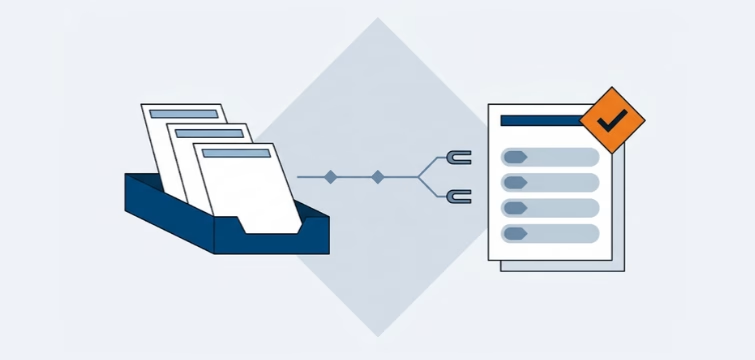
Account statement processing: What the Versino Financial Suite will offer in the future — a preview of accounting
An account statement is quickly read. That is the manageable part of the work. The work lies behind that. The statement must be sent to the...
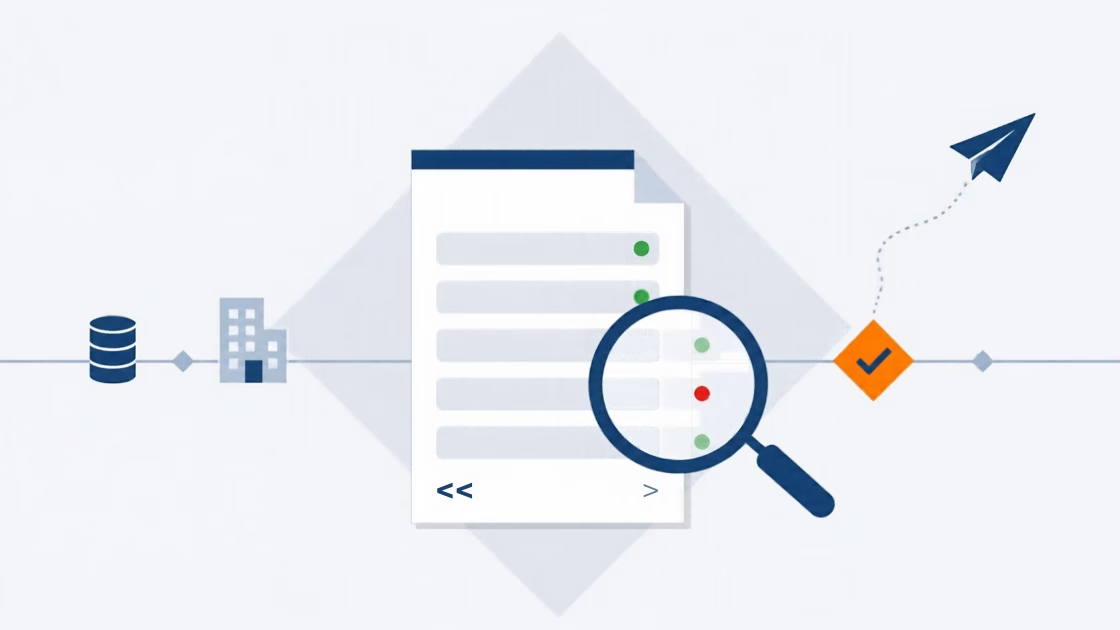
E-Invoice check by Versino Financial Suite
An e-invoice is quickly generated. SAP Business One includes the XRechnung feature as standard, and those who use cks.eINVOICE or the ...

Versino accounting service
Bookkeeping should run quietly. Vouchers come in, are posted, the VAT return goes out, and the tax advisor also gets a ...
