Payment terms in SAP Business One regulate when and how invoices are to be paid. You define due dates, discount periods, dunning rules and permitted payment types for business partners.

In SAP Business One, payment terms are used to standardise and automate payment processing with customers and suppliers. They contain rules for due dates, discounts, instalment payments, credit and debit terms. Commitment limits, Dunning termsprice information, bank details and the preferred payment method. The definition is made centrally and can be customised company-wide as a standard, individually in the business partner master record or specifically in the individual document.
Integration into business processes:
Payment terms influence sales and purchasing documents, cash flow, accounting and dunning and payment processes. They are automatically transferred to documents and form the basis for liquidity planning and customer and supplier communication.
Relevant modules and functions:
- Sales and purchasing
- finance (general ledger, payment transactions)
- Liquidity management
- Dunning
Concrete application examples:
- A customer receives 2 % discount if payment is made within 10 days, otherwise the invoice amount is due after 30 days.
- A supplier is automatically reminded if payment is exceeded after 15 days.
- Instalment payments are divided into several outgoing invoices with specific due dates.
Key features/important aspects:
- Determination of due date, discount periods, Dunning levels and payment methods
- Combination with Credit limit and price list
- Customisable for each business partner and document
- Automatic consideration in cash flow- and dunning reports
- Target group:
End user, key user, consultant, finance department, management

Experience liquidity planning in SAP Business One live: The webinars on the new Versino Financial Suite

Financial chat for SAP Business One: How he answers questions about numbers and when he prefers not to answer

Versino Financial Suite Major Release: End of the SAP window cage
Account statement processing: What the Versino Financial Suite will offer in the future — a preview of accounting
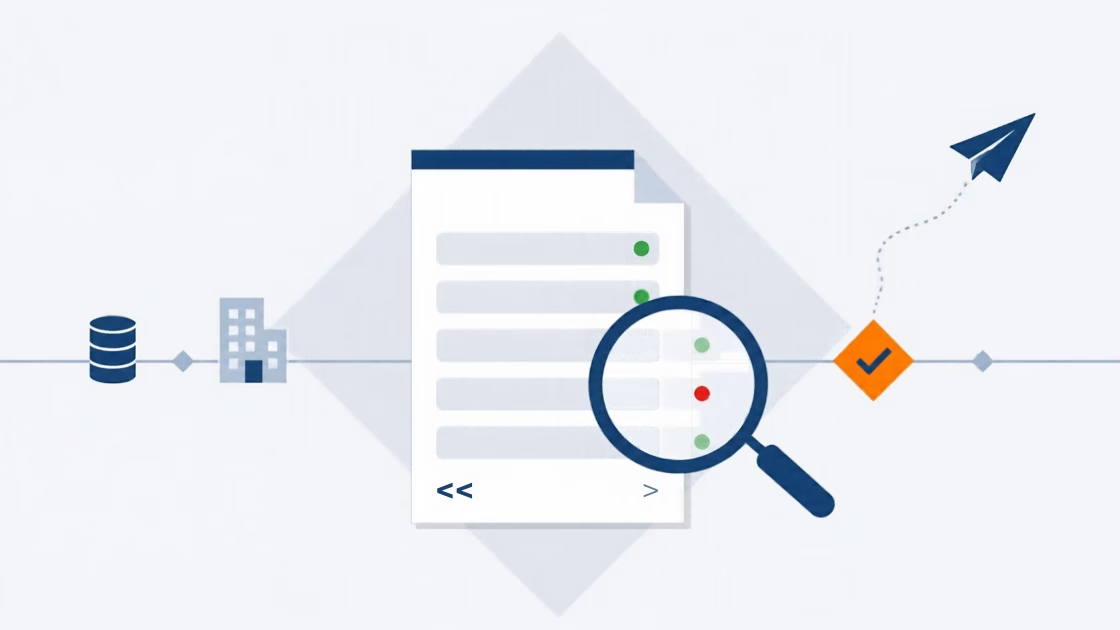
E-Invoice check by Versino Financial Suite