One Assignment rule (Versino Financial Suite) is a rule in account statement processing that automatically assigns lines from an account statement design to a business partner, invoice, or external code after importing them. The corresponding module is under development and not yet available to customers. The details follow the development status.
Context
The rules run across the lines of the design. There are four types:
- Evidence from the purpose of use: A search pattern extracts proof numbers or customer references from the text and searches them among the open incoming and outgoing invoices. If all matches belong to a business partner, the Partner and Proofs row is generated.
- Business partner via bank account: The counterpart’s IBAN (otherwise bank code and account number) is compared with the business partner’s bank accounts. There must be exactly one match.
- Business partner via pattern: A search pattern finds a partner code or part of the partner name in the text.
- Encrypting external code: From the bank code, a new external code is generated, depending on the direction, reference, and bank connection of the other party. Business One derives the booking method and account from this.
An example illustrates the encoding: The bank provides code 833 with the purpose of „ADS VON“. “. The rule makes this the assignment to the partner’s settlement account.
Two safeguards limit the effect. A line that already has a business partner remains unaffected. In the event of ambiguity, the rule does not apply. Furthermore, the module records a protocol entry for each rule action, for example, „Line 3: Business partner … assigned by rule …“.
The search pattern must fit the length of the serial numbers. A pattern for four-digit to six-digit numbers does not produce an eight-digit number.
Acquisition
The rules of the current bank import add-on can be adopted for each client. Rules using free SQL, on the other hand, must be manually recreated.

Experience liquidity planning in SAP Business One live: The webinars on the new Versino Financial Suite

Financial chat for SAP Business One: How he answers questions about numbers and when he prefers not to answer

Versino Financial Suite Major Release: End of the SAP window cage
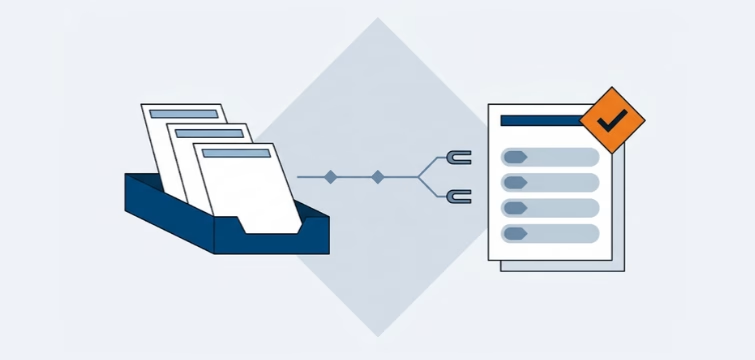
Account statement processing: What the Versino Financial Suite will offer in the future — a preview of accounting
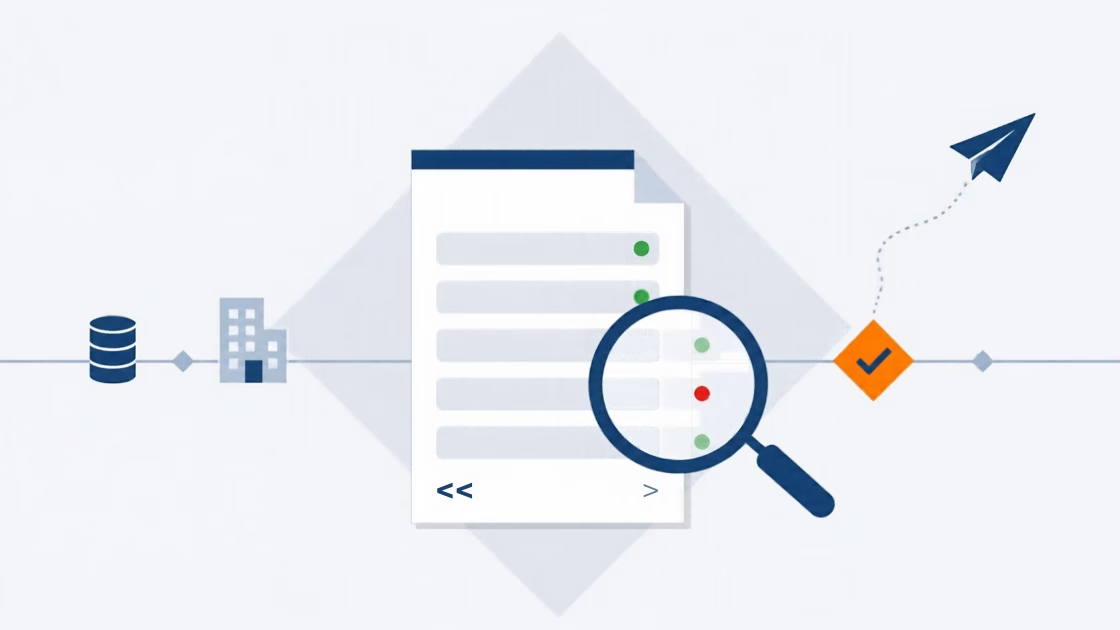
E-Invoice check by Versino Financial Suite

Cash flow planning in SAP Business One: What the Versino Financial Suite does differently

Netting in SAP Business One: What makes the Versino Financial Suite different