In the SAP Business One system, a user task describes the specific activity or action that a user performs, whereby its execution always depends on the assigned user authorisation.

User tasks are always directly related to the authorisations set up. The authorisations therefore control in detail whether a user can access documents or base data display, create or update. Authorisation checks also apply to many typical workflows, for example when displaying a cockpit widget for open outgoing invoices in the Financial Accounting area. Creating and managing cockpit templates and publishing or removing such templates also require special administrative authorisations. In addition, configuration activities, such as specifying or redefining a map service via the „General settings“ window or via the map services, also require appropriate authorisations. In SAP Business One Web Client authorisation also influences whether users are only allowed to read or also write; if the web client is set to read-only mode by the superuser, users can access list views, detailed views and analysis-You can call up apps, but not create or change any data. Nevertheless, general functions such as filtering data, saving new views or tiles, using linked list views and sharing options remain available as user tasks as long as they do not change any data.
A user task describes the content-related activity of the user, while the user authorisation controls whether this activity may be carried out at all. User tasks are therefore only accessible to people who have the necessary authorisations. Consequently, user tasks define the „what“ of the user action, while authorisations regulate the „am I allowed to do this?“.

Experience liquidity planning in SAP Business One live: The webinars on the new Versino Financial Suite

Financial chat for SAP Business One: How he answers questions about numbers and when he prefers not to answer

Versino Financial Suite Major Release: End of the SAP window cage
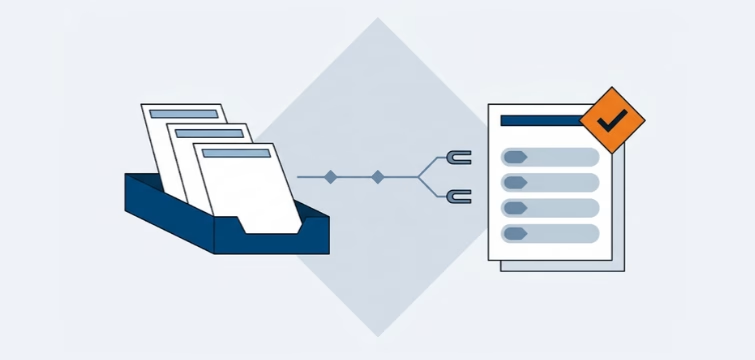
Account statement processing: What the Versino Financial Suite will offer in the future — a preview of accounting
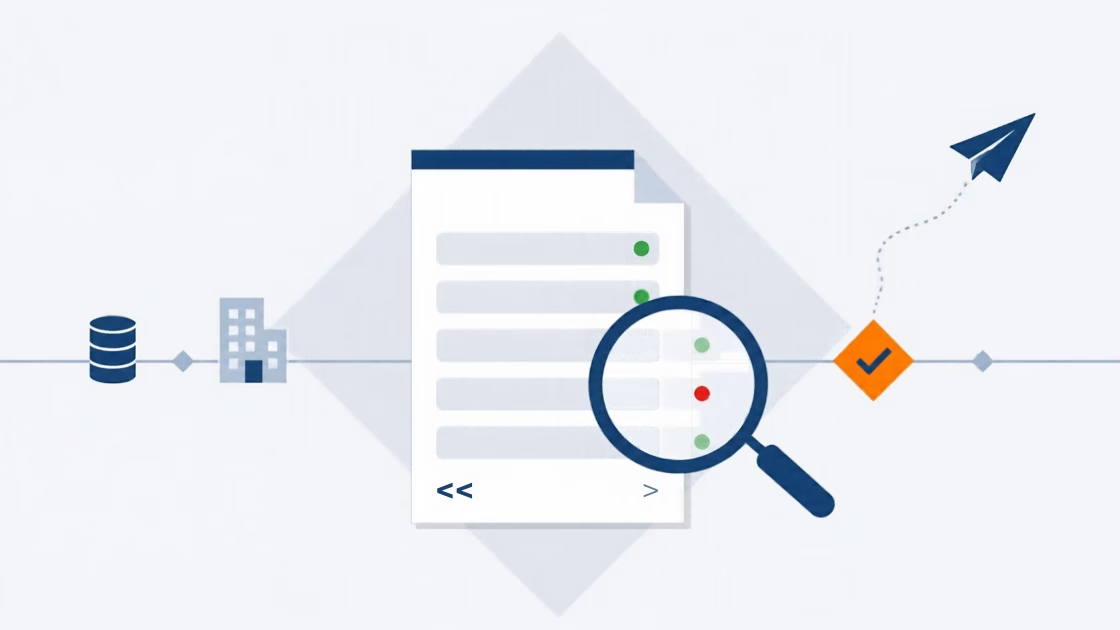
E-Invoice check by Versino Financial Suite