A file in which journal entries can be recorded and temporarily saved without the accounting and, once authorised, these journal entries can be posted in the accounting system.

Journal vouchers in SAP Business One offer companies a flexible way of initially recording financial transactions and then finally posting them later. This function serves as a "car park" for bookingsthat have not yet been finalised due to missing information or reconciliation requirements. It is managed in the finance module, where users can access, edit and add to open and posted documents.
The documents can be divided into two statuses:
- Open - indicates that the data entered in the receipt journal entries not yet recorded in the
permanent file were saved. - Completed - indicates that the journal entries recorded in the journal voucher have been saved to the permanent file.
This makes it possible to finalise individual or entire bookings flexibly and securely. This pre-entry offers particular advantages for Year-end closing in Germanyas provisions and transfers can be pre-entered and adjusted if necessary.
Overall, pre-recorded documents support precise and controlled financial management, which also makes it easier to analyse and prepare for financial statements and audits.
The Versino Financial Suite
the Versino Financial Suite facilitates and optimises the handling of Journal vouchers. The Versino Financial Suite enables clear management and processing of documents, automates postings and improves transparency in SAP Business One financial accounting. This allows companies to prepare financial transactions precisely and ensure the final posting.

Experience liquidity planning in SAP Business One live: The webinars on the new Versino Financial Suite

Financial chat for SAP Business One: How he answers questions about numbers and when he prefers not to answer

Versino Financial Suite Major Release: End of the SAP window cage
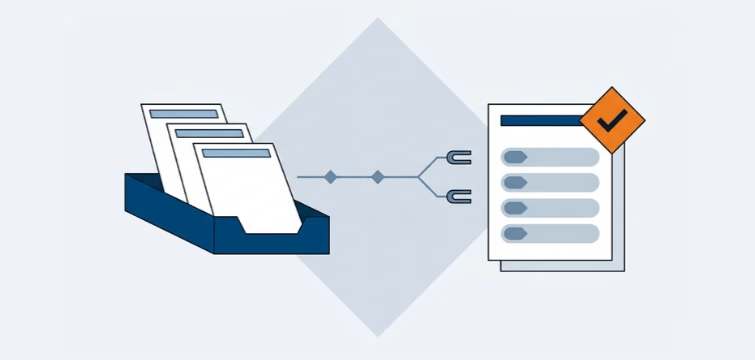
Account statement processing: What the Versino Financial Suite will offer in the future — a preview of accounting
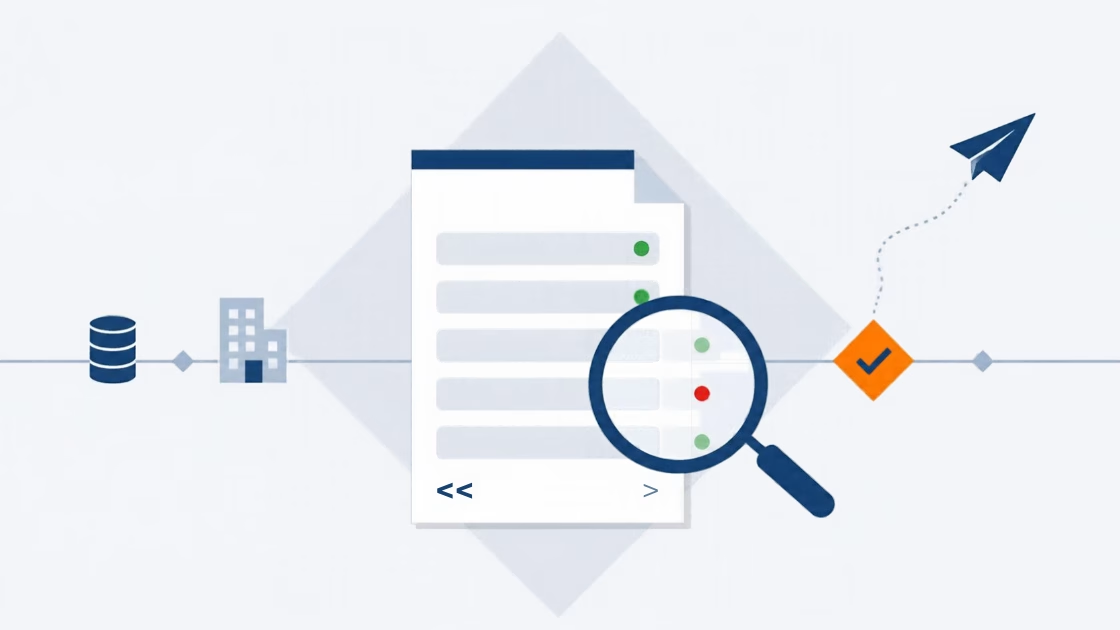
E-Invoice check by Versino Financial Suite