
Human intelligence meets efficient processes: The Versino Financial Suite and its fast entry of incoming invoices
Nowadays, many companies rely on automated incoming invoice processing that is based on digital document management functions. These can be very effective solutions, which recently have often even advertised the use of artificial intelligence. We are familiar with the Versino Financial Suite and their rapid acquisition. We utilise human intelligence for input computer processing, which has been used in the many processes that have already taken place.
The challenge of incoming invoice processing
The processing and Posting incoming invoices can be time-consuming and error-prone in traditional systems. It often requires extensive accounting knowledge and leads to a considerable amount of work, especially when companies have to deal with a high volume of invoices. This is exactly where the Versino Financial Suite comes in.
Increased efficiency through automation
The quick entry of incoming invoices enables users to enter invoices directly in SAP Business One quickly, securely and, above all, without in-depth accounting knowledge. The system supports the user with intelligent functions, such as finding documents that have already been posted, which can be used as a template for new postings. This automated procedure means that recurring invoices can be processed with minimal effort.

Focus on the user-friendliness of incoming invoice processing
The special input screen of the fast entry function guides the user through the process and only requires a few details to fully enter an incoming invoice. Details such as supplier information, invoice numbers and amounts can be easily entered, while the system automatically completes all the necessary posting information in the background. This not only reduces the risk of errors, but also saves valuable time.
Access to clients and workflow integration
Another highlight is the ability to access all clients created in SAP Business One directly from the data entry screen. This makes working with multiple clients much easier, as no separate log-in is required. The function is also fully integrated into the workflow of SAP Business One, which enables authorisation processes to be initiated directly after document entry, for example.

Conclusion: A benefit for every company
With the fast entry of incoming invoices in the Versino Financial Suite, we can offer an excellent tool for SAP Business One. A fast and efficient tool for significantly increasing the efficiency, quality and standardisation of incoming invoice processing.
Experience liquidity planning in SAP Business One live: The webinars on the new Versino Financial Suite

Financial chat for SAP Business One: How he answers questions about numbers and when he prefers not to answer

Versino Financial Suite Major Release: End of the SAP window cage
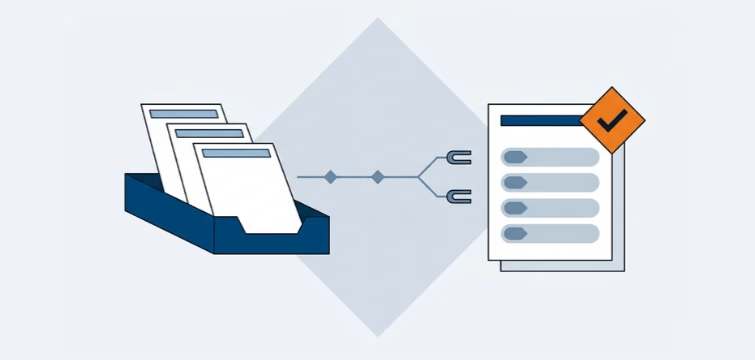
Account statement processing: What the Versino Financial Suite will offer in the future — a preview of accounting
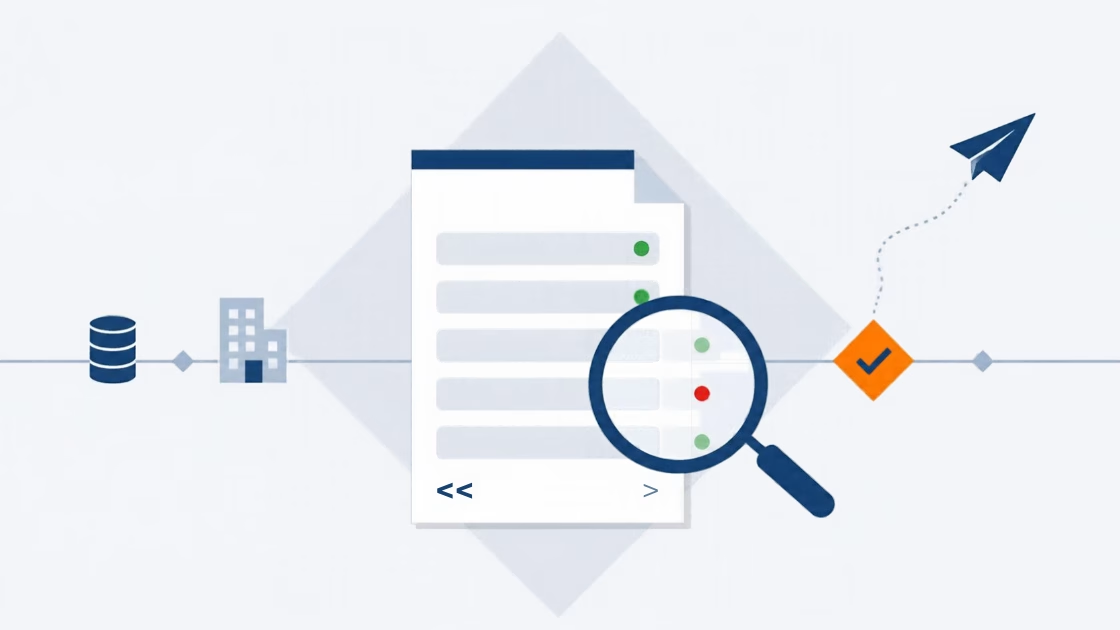
E-Invoice check by Versino Financial Suite