Receipts without lines designate in SAP Business One Sales or purchasing documents that deliberately do not contain any item lines (e.g. articles or Services), but only charge values defined in the document footer, such as freight costs.

Context and area of application:
This form of document is typically used when subsequent costs such as freight or similar expenses are to be invoiced separately - for example, because they could not be determined exactly at the time of the original invoice. Instead of using items or G/L accounts for this, an additional expense such as freight costs is recorded directly in the footer of the document.
Differentiation from related terms:
In contrast to classic Article vouchers, that contain items with quantities and prices, or to Service documents, for which ledger accounts is booked, waive Receipts without lines completely to every type of item. They only contain information in the document footer, for example about the module Additional expenses (also known as the freight module).
Example:
A freight forwarder only communicates the final freight costs after delivery. To ensure that these costs are still accurately reflected in the accounting system, the user creates a document without lines in SAP Business One, enters the freight costs in the document footer and saves the document for later posting.
Additional note:
Whether such an approach makes sense in the company depends on the internal process definition. As part of an SAP Business One implementation, it should therefore be clarified whether freight costs should be recorded using articles, G/L accounts or the freight module. Receipts without lines offer maximum flexibility.
Experience liquidity planning in SAP Business One live: The webinars on the new Versino Financial Suite

Financial chat for SAP Business One: How he answers questions about numbers and when he prefers not to answer

Versino Financial Suite Major Release: End of the SAP window cage
Account statement processing: What the Versino Financial Suite will offer in the future — a preview of accounting
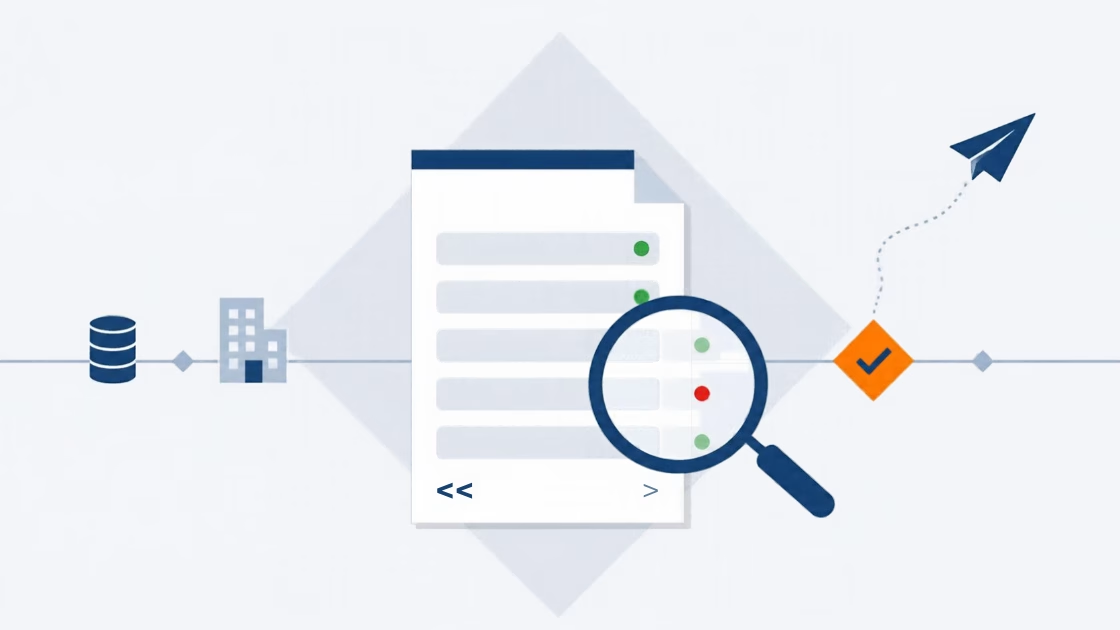
E-Invoice check by Versino Financial Suite