Of the Payment reconciliation in SAP Business One refers to the process of reconciliation between posted payment data in the system and actual account movements in bank or business partner accounts. The aim is to ensure matches and to recognise and correct differences at an early stage.

Functions in the system
- in the Module bank processing specific functions are available to compare payment flows with account statements.
- Of the Actual cash flow report provides an overview of actual cash flows in defined time periods
and serves as the basis for reconciliation with external bank data.
Reconciliation of general ledger accounts
- Several posting lines can be selected and manually reconciled in the general ledger.
- If the totals do not match exactly, a Adjustment amount defined or a Adjustment posting be created.
- Previous votes can be cancelled if necessary.
Reconciliation of business partner accounts
- Internal reconciliation is also possible for customer and supplier accounts.
- The system automatically proposes the relevant business partner account and the settlement amount.
- Existing reconciliations can be reset if necessary.
Currency differences in payment reconciliation
- For bookings in Foreign currencies complete equalisation in both currencies is required.
- SAP Business One recognises Exchange rate differences and offers automated postings to correct these differences.
- The transactions are authorised and posted individually for each line after checking.
Goal and benefits
Payment reconciliation ensures that internal postings match external payment data.
Deviations are identified and can be corrected through booking corrections.
This supports financial accuracy and transparency within the company.
Versino Financial Suite
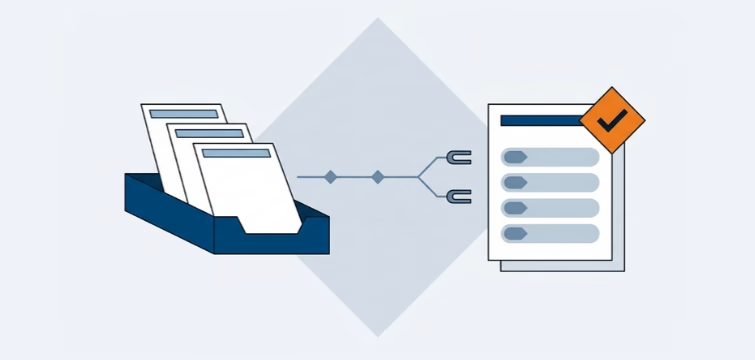
the Versino Financial Suite automates the reconciliation of payments and invoices, reduces time-consuming rework and sources of error, offers a convenient interface for checking and allocating as well as DATEV-compliant integration for data exchange with the tax office. In addition, balances can be settled automatically and payment advice notes can be created directly - this ensures greater efficiency, transparency and control throughout the entire payment process.
Account statement processing: What the Versino Financial Suite will offer in the future — a preview of accounting

E-Invoice check by Versino Financial Suite

Versino accounting service

Cash flow planning in SAP Business One: What the Versino Financial Suite does differently

Two free webinars in July: Experience the Versino Financial Suite live

