the Steering group is a control element in SAP Business One which, depending on the control status of a business partner (domestic, EU, third country) is determined.
It defines how the tax treatment of business transactions should take place and has a direct effect on the selection of tax codes and tax accounts.
Assignment in the system
- The control group is created in the business partner master data on the Accountancy - Tax registered.
- Depending on the tax status (e.g. taxable in Germany, intra-Community, third country), only one suitable tax status can be selected. Steering group can be selected.
- The correct tax group ensures that the correct tax code is automatically used in documents.
Effects on vouchers
- For customers with the tax status obligatory the tax code A2 used in sales documents.
- For suppliers with tax status obligatory the tax code V2 automatically in purchasing documents.
- Deviations are possible if individual tax codes have been defined in the article master data or documents.
Use in journal entries
The steering group can also be manual journal entries can be used. To do this, the fields Steering group and Base amount be activated.
- Variant 1: Select the tax group from a drop-down list, enter the tax amount - the linked tax account is filled automatically.
- Variant 2: Selection of a G/L account - the system displays the linked tax group. After entering the tax amount, the net amount is calculated automatically.
Integration with DATEV
As part of the DATEV integration, a control group can be assigned to a specific DATEV automatic account be assigned.
When importing posting records, the corresponding tax code is set on the basis of the assigned tax group.
Example: The account 4550 is assigned the tax code A2 linked.
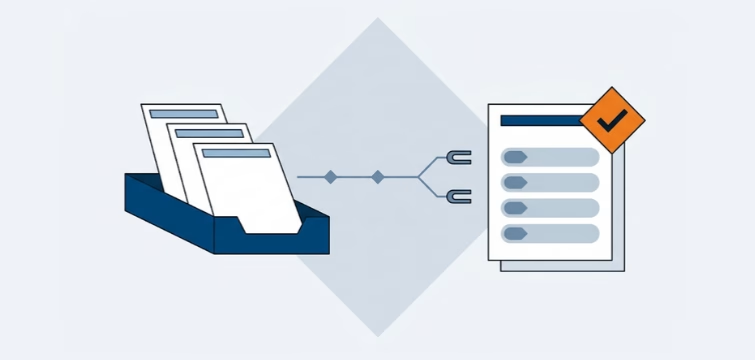
Account statement processing: What the Versino Financial Suite will offer in the future — a preview of accounting
An account statement is quickly read. That is the manageable part of the work. The work lies behind that. The statement must be sent to the...
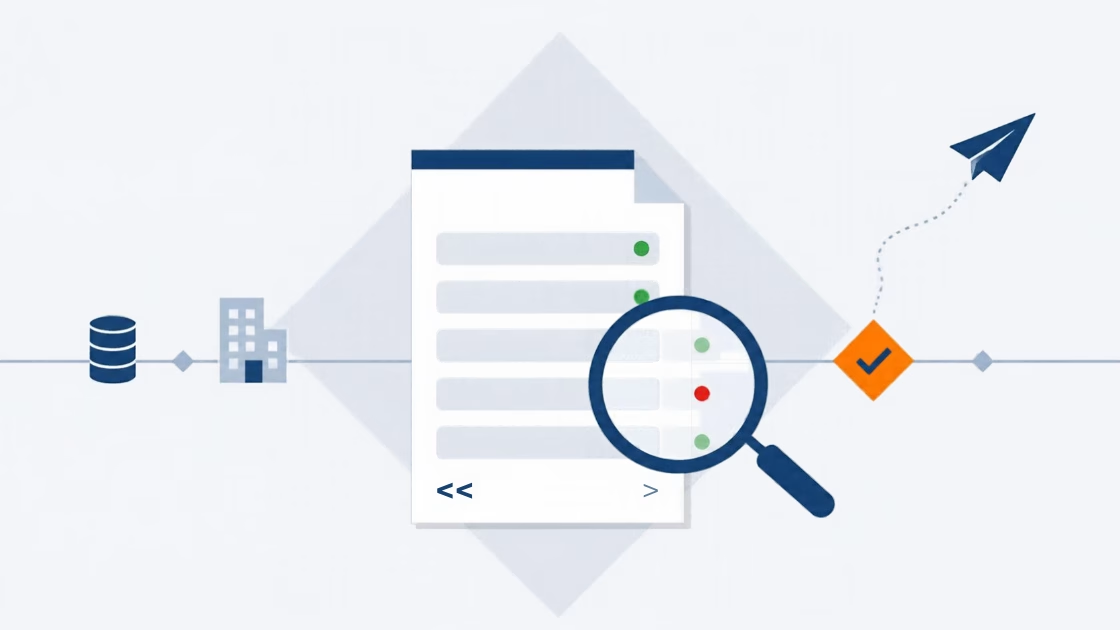
E-Invoice check by Versino Financial Suite
An e-invoice is quickly generated. SAP Business One includes the XRechnung feature as standard, and those who use cks.eINVOICE or the ...

Versino accounting service
Bookkeeping should run quietly. Vouchers come in, are posted, the VAT return goes out, and the tax advisor also gets a ...
Cash flow planning in SAP Business One: What the Versino Financial Suite does differently
Cash flow planning is considered a done deal in many medium-sized companies. After all, there are bank statements, there are open items, ...

Two free webinars in July: Experience the Versino Financial Suite live
In 90-minute sessions, we'll show you practical ways to harmonise, streamline and automate your accounting in SAP Business One….
E-Invoicing 2026: What is changing now for SMEs and SAP B1 users
The e-invoice has moved beyond the theoretical IT project phase. Since January 2025, the obligation to receive e-invoices applies to all domestic companies — ...
