A wizard in SAP Business One that allows you to create and send letters to customers who have not paid their outstanding invoices within a certain period of time. This wizard allows you to send letters to customers who have not paid their outstanding invoices within a certain period of time and reminds them of overdue payments.
The dunning assistant also stores the "payment behaviour" of customers in a database in order to make this information available to the authorities.

It is located in the module Sales > Dunning assistant and enables the automated creation of reminders on the basis of overdue customer receivables, taking into account the Dunning levels and Dunning terms.
Functions and procedure
The dunning wizard guides the user step by step through the following steps:
- Start the wizard: Call via Sales > Dunning assistant.
- Define parameters: Selection of various criteria for the Dunning run:
- Selection of the Business partnerfor which reminders are to be created.
- Filtering the supporting documents by due date or voucher date.
- Determination of the maximum Dunning level.
- Consideration of Dunning termsincluding fees, interest and minimum balances.
- Option to start a new dunning run or to load an existing run.
- Check recommendations: Preview of customers and open items that are scheduled for dunning.
- Create reminders: Trigger dunning creation with the following options:
- Preview: Only display of planned reminders, no system change.
- Test run: Test run without final processing.
- Print and exit: Finalisation of the dunning run with printing and updating of the dunning history.
System integration
- Accesses the under Administration > Definitions > Business partners > Dunning levels defined escalation levels.
- Utilises the Dunning termsassigned to the business partners.
- Supports the Automatic booking of reminder fees and interest in accordance with the dunning conditions, if activated.
- Updates the customer's dunning history and the dunning level for each document when executed.
tracking
After completing a dunning run, the Reminder history report in the menu Sales > Dunning reports can be called up. This report shows the dunning notices created, their dunning level, dunning date and invoices affected.
Goal and benefits
The dunning assistant automates the operational implementation of the dunning process. It enables targeted, rule-based processing of open items, reduces manual effort and ensures consistent and traceable escalation of unpaid receivables.
Note
A test run should be carried out before using the dunning wizard productively. The correct configuration of the dunning conditions and dunning levels is a prerequisite for a smooth process.

Experience liquidity planning in SAP Business One live: The webinars on the new Versino Financial Suite

Financial chat for SAP Business One: How he answers questions about numbers and when he prefers not to answer

Versino Financial Suite Major Release: End of the SAP window cage
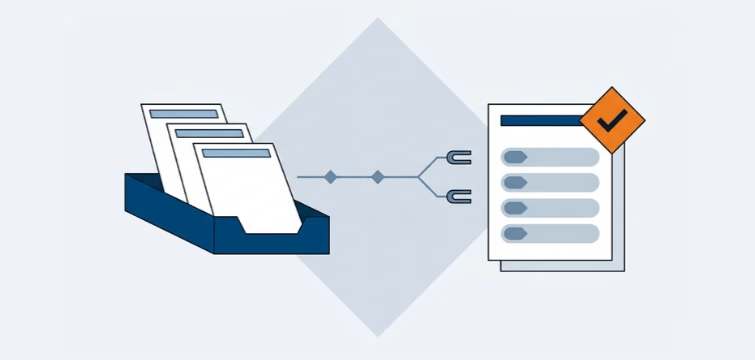
Account statement processing: What the Versino Financial Suite will offer in the future — a preview of accounting
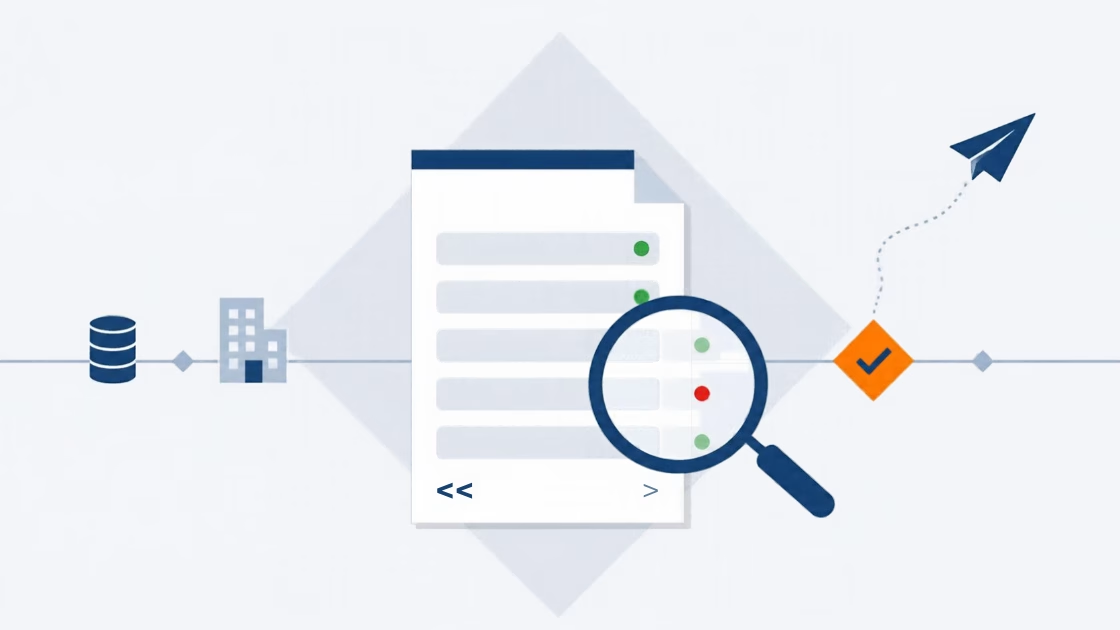
E-Invoice check by Versino Financial Suite

Versino accounting service
