From 1 November 2025, the widely used MT940 format for electronic account statements is no longer supported. Companies that use SAP solutions such as SAP Business One must therefore switch to the SEPA-based XML-format camt.053. This changeover is not only technically necessary, but also offers the opportunity to organise existing financial processes more efficiently.

What exactly will change for SAP users?
With camt.053, not only the format changes, but also the type of information that companies receive. Usage purposes are broken down more precisely, posting information appears in new positions or in extended fields. Particularly relevant for SAP Business One: The account statement items now contain additional information that facilitates automated further processing. This opens up new possibilities for analyses, automation and the targeted control of cash flow-processes.
In addition, the new format offers more flexibility in the presentation of batch bookings, chargebacks or fees - information that was often difficult or impossible to interpret in the MT940 format.
The challenges of the changeover
As with any technological innovation, the same applies here: Preparation is the key to success. Many companies underestimate the effort involved in the changeover. Not only does the SAP system itself need to be adapted - communication with the bank, configuration of the formats and extensive test runs are also required. It is advisable to agree on a parallel provision of both formats in order to recognise possible conversion errors in good time.
Our service for camt.053 introduction
We support our customers in a very concrete way - with a clearly defined and tried-and-tested migration process:
- Provision of the standard format
We provide the camt.053 format that SAP has delivered as standard. - Import by the customer or by us
The customer can carry out the import himself or commission us to do so. - Test system based on the live database
We create a test company based on the current live database. - Import and test
- The current account statement in camt format is downloaded (instead of MT940).
- The import takes place in the test company.
- If the test is successful, you can go live immediately
- Troubleshooting for problems
- If the test fails, we need the customer's original camt file.
- We use the Electronic File Manager (EFM) to customise the format.
- We replace the modified camt file in the test system
- We repeat steps 4 and 5 until the file is processed correctly.
- Go Live
As soon as a working version is available, it is transferred to the live environment.
This structured process enables a controlled and secure changeover - with minimum risk and maximum transparency.
No room for delay
The countdown is on: From November 2025, MT940 will be history. Companies that want to continue processing their bank communication efficiently and automatically should not hesitate any longer. The switch to camt.053 is not an optional IT project - it is a prerequisite for stable financial processes and a real lever for digital transformation.

Experience liquidity planning in SAP Business One live: The webinars on the new Versino Financial Suite

Financial chat for SAP Business One: How he answers questions about numbers and when he prefers not to answer

Versino Financial Suite Major Release: End of the SAP window cage
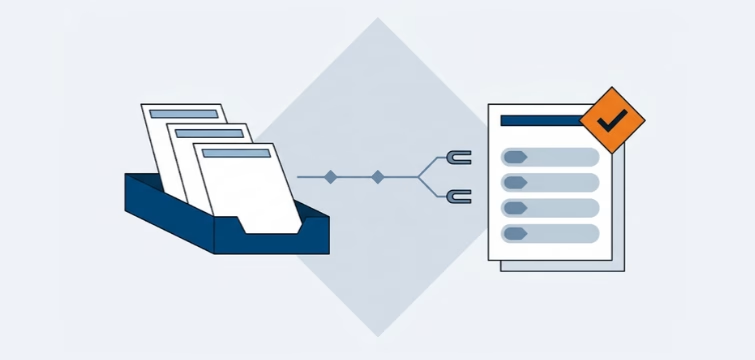
Account statement processing: What the Versino Financial Suite will offer in the future — a preview of accounting
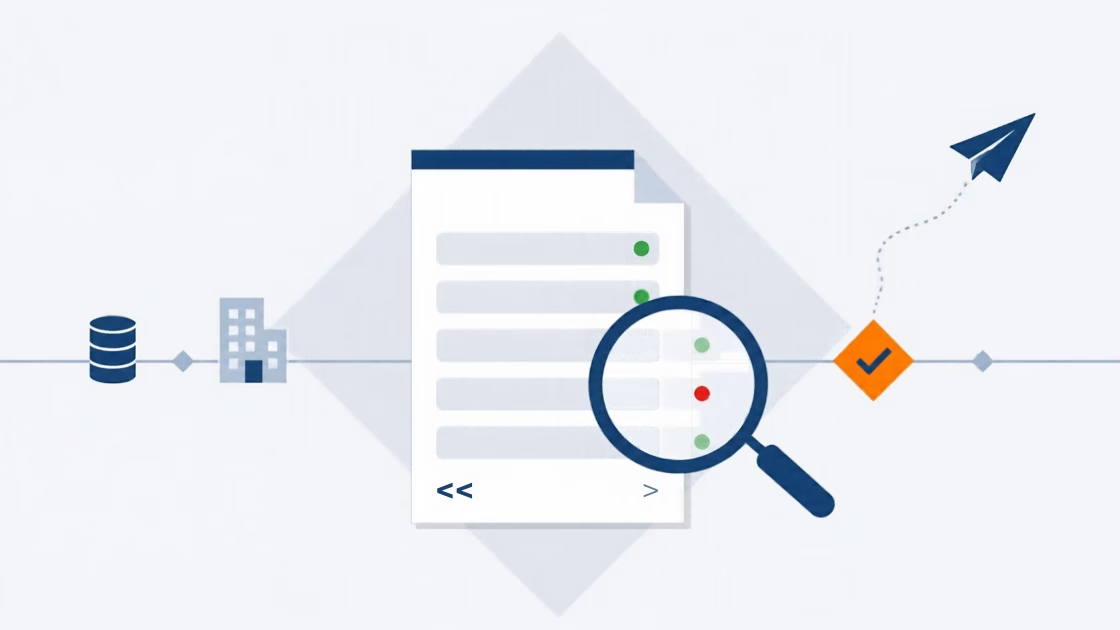
E-Invoice check by Versino Financial Suite