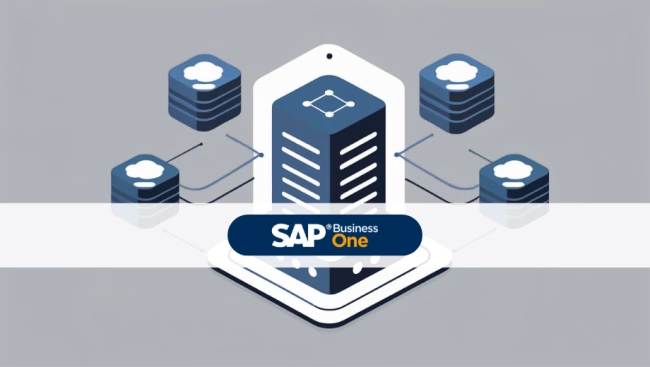
In the context of SAP Business One, the database is the technological foundation that stores all business-relevant information in a single, scalable system and enables access to real-time data across all companies.
In an SME environment, the database is used to record business information in a centralised system. SAP Business One supports two primary database platforms: SAPHANA and Microsoft SQL. This enables the system to map both classic ERP processes as well as powerful analyses and specific applications based on in-memory technology. In addition, each individual company is represented in the system as its own dedicated database. Consequently, when users log in, they select the desired company database from the list of available databases.
The system makes a strict distinction between several database types with a clear separation of purpose. The company database stores all business and transaction data of the respective organisation. In addition, users can always access this company database directly and in real time - even in the web client - so that no separate data synchronisation is required. In contrast, the system database (SBOCOMMON) does not store business or transaction data, but system data, version information, upgrade information and shared data from all companies. In addition, the SLD database stores persistent landscape information and security settings and therefore requires protection with the highest priority.
The database content consists of information in the form of character combinations that are divided into numerical and alphanumerical data. The AI component accesses relevant ERP and accounting data directly for processing, for example via SQL. Users retrieve data in different ways. List views in the web client allow data records to be searched, filtered, sorted and actions to be executed. Query tools are available for more complex analyses; the query generator and the query wizard provide support in defining queries. To create their own queries, the specialist user must first activate the system information. This enables them to recognise in which database table (e.g. OCRD for business partners) and in which field the required data is stored.
User-defined queries (UDQs) use SQL statements to request specific business data. UDQs can also be used as a data source for analyses or list views, provided they are marked as active. The system displays the first 1000 query results in the preview area, allowing business users to quickly check the results.
The nomenclature and maintenance of the database are also subject to fixed rules. The database name of a company may contain letters (A-Z, a-z), numbers (0-9) and underscores (_), but no spaces. Finally, the name must always begin with a letter. When making administrative changes, for example when adding a user-defined table, it is important to ensure that no other users are logged into the system so that the changes can be applied consistently and without conflicts.
**Delimitation:**
The company database stores all of an organisation's business and transaction data, whereas the system database only contains system-related information such as versions, upgrade data and shared master data. In addition, the SLD database differs again significantly, as it primarily manages landscape information and security settings and therefore has a technical-infrastructural focus. User-defined queries (UDQs), list views and query wizards, on the other hand, are purely access tools to these databases, but do not form their own data management structures.

In-Memory Databases / The SAP Future ?

Versino Financial Suite V09.2025 for SAP Business One
Convert SAP Business One to camt.053 now

SAP Build Apps for SAP Business One
Mobile warehouse 2025 with Versino Warehouse Pro

Preparation for the introduction of CKS.EINVOICE
EUDAMED integration with SAP Business One

Budgets in SAP Business One
Customise SAP Business One user interface (UI)