A payment reminder is a friendly letter to a customer reminding them of a payment that is due but has not yet been paid. Invoice without triggering legal consequences.

Detailed explanation/description:
The payment reminder is used to communicate with customers who have not yet paid their invoice despite it being due. In contrast to a reminder, it is not a legal request, but rather a polite reminder of the outstanding debt. The aim is to achieve a quick payment and not to burden the customer relationship. However, a correctly formulated payment reminder can be a prerequisite for the subsequent entry into the payment process. Default of payment be.
Typical contents of a payment reminder are
- Due date of the invoice
- Outstanding invoice amount
- Customer number, invoice number and date
- Reference to the lack of receipt of payment
- Optional: Notice of imminent payment default
Friendly formulations such as "We would like to politely remind you ..." or "Please check whether you have already transferred the invoice amount ..." are recommended. It should be noted that the payment may have already been instructed but not yet booked.
Integration into business processes
In SAP Business One, the payment reminder is often the first step in the payment process. Dunning. It can be created manually or sent as part of an automated dunning process via the dunning wizard - usually as "dunning level 0" or with a customised dunning text without a legal threat.
Relevant modules and functions
- Module: Finance
- Function: Dunning (dunning assistant/dunning run)
- Function: OP lists with due date overview
Concrete application examples
- A company automatically sends a payment reminder for invoices that are five days overdue with a reference to the outstanding amount.
- In the SAP Business One dunning wizard, a payment reminder is first generated for low-risk customers before a formal reminder is sent.
Key features/important aspects
- No legal consequences as with a reminder
- Serves as a friendly preliminary stage in the Receivables management
- May be a prerequisite for default
- Customisable formulations possible
Related terms/cross-references:
Advantages/benefits (optional):
A payment reminder helps to collect payments without escalation and maintain customer satisfaction.
Best practices/instructions for use (optional):
- Use friendly, customer-orientated language.
- Consider possible payment methods and bank terms.
- Use the payment reminder as an introduction to a staggered dunning process.
Target group:
Financial accounting, accounts receivable management, customer service, SAP key user

Experience liquidity planning in SAP Business One live: The webinars on the new Versino Financial Suite

Financial chat for SAP Business One: How he answers questions about numbers and when he prefers not to answer

Versino Financial Suite Major Release: End of the SAP window cage
Account statement processing: What the Versino Financial Suite will offer in the future — a preview of accounting
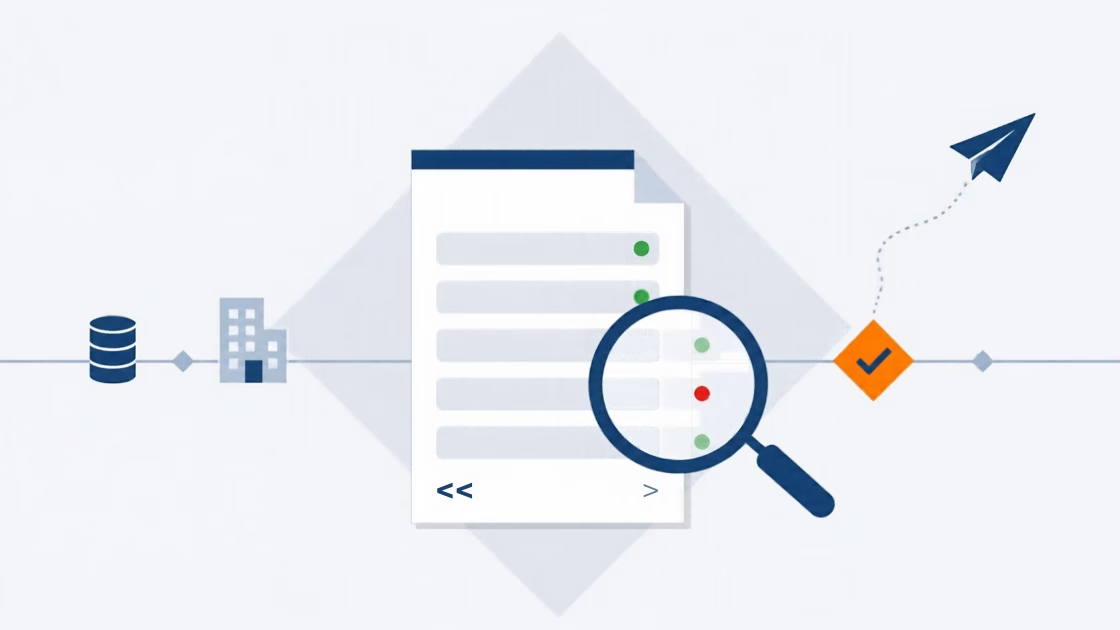
E-Invoice check by Versino Financial Suite